Money Insights
Understand spending and cash flow from supported transaction SMS.
Lunexa Messages turns supported bank and transaction SMS alerts into a clear view of money in, money out, spending, subscriptions, and cash flow—while remaining a modern private SMS app for Android.
No bank login
Analyzes supported alerts already on your device.
Useful breakdowns
Categories, merchants, cash flow, and filters.
More than finance
Schedule, protect, back up, and export SMS.
On-device insights
Money Insights
Lunexa organizes supported financial SMS into a lightweight money view without asking for bank credentials. Review the source transactions whenever an amount matters.
Explore every Money Insights screen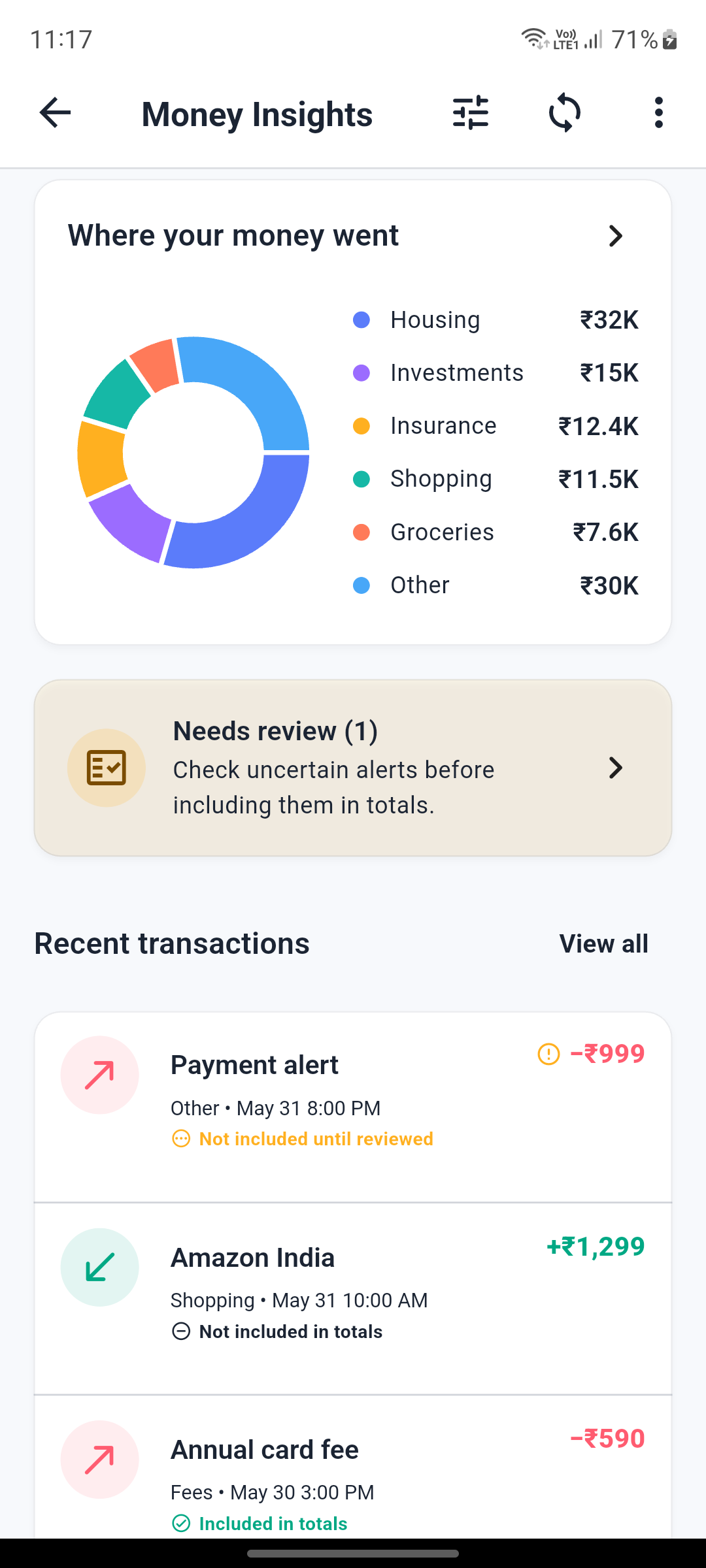
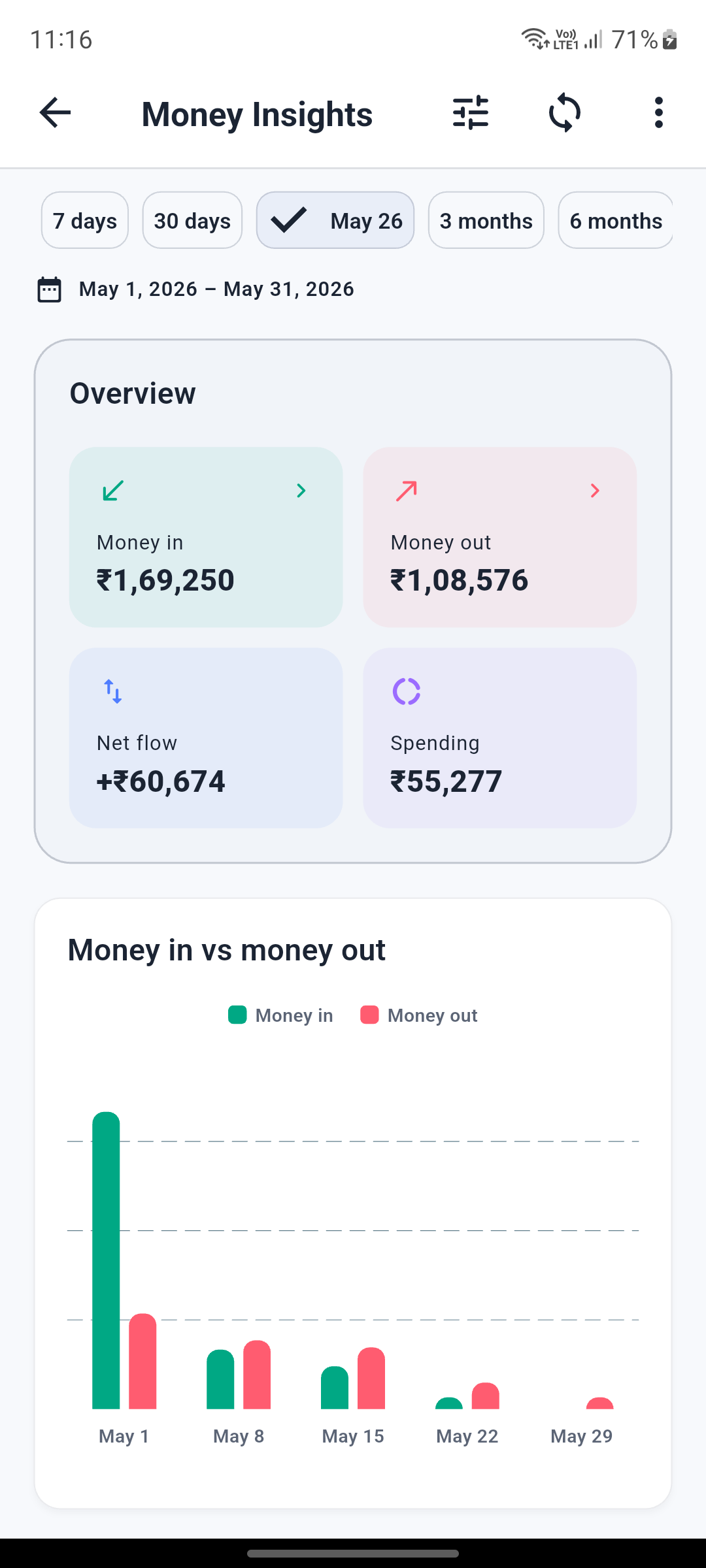
Compare money in, money out, net flow, and spending for a selected period.
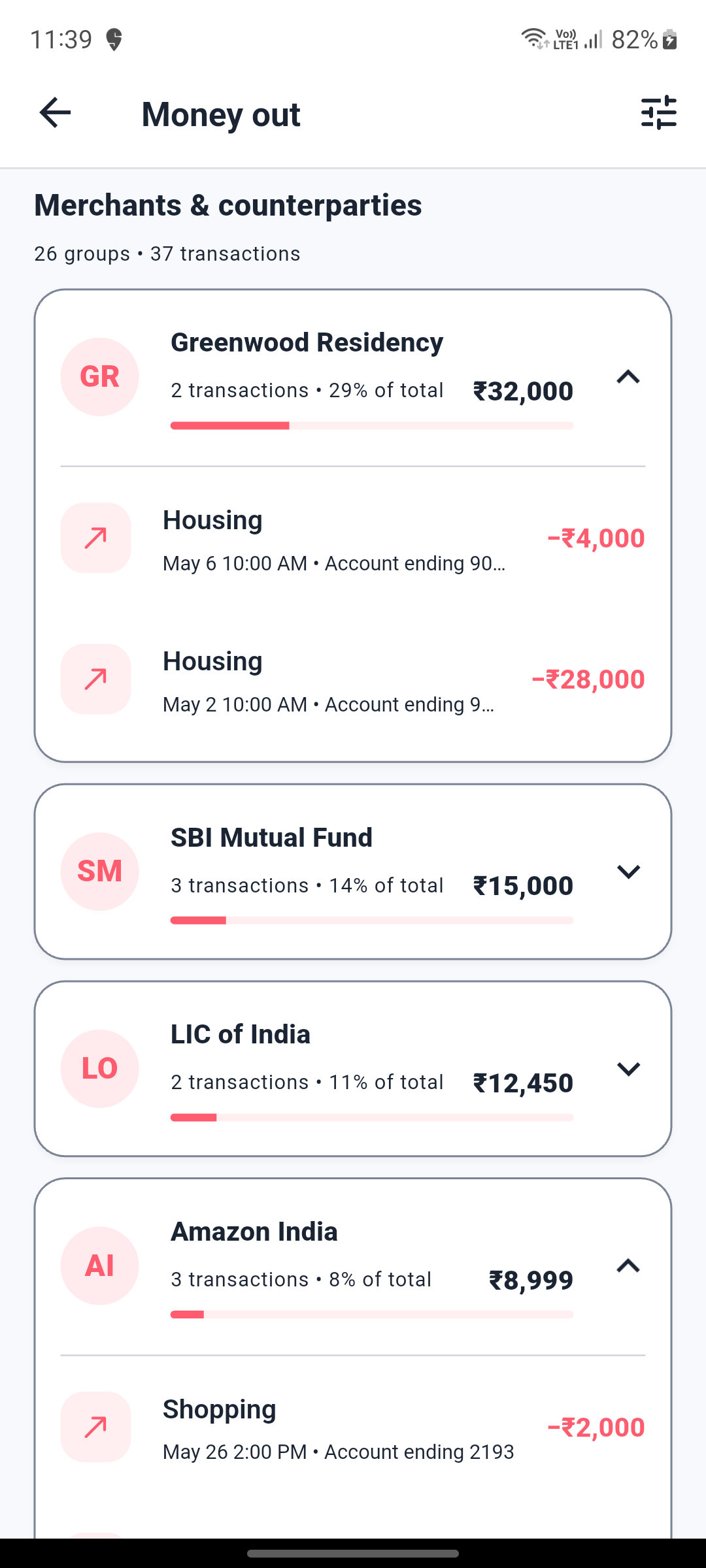
Explore categories, institutions, merchants, counterparties, and individual transactions.
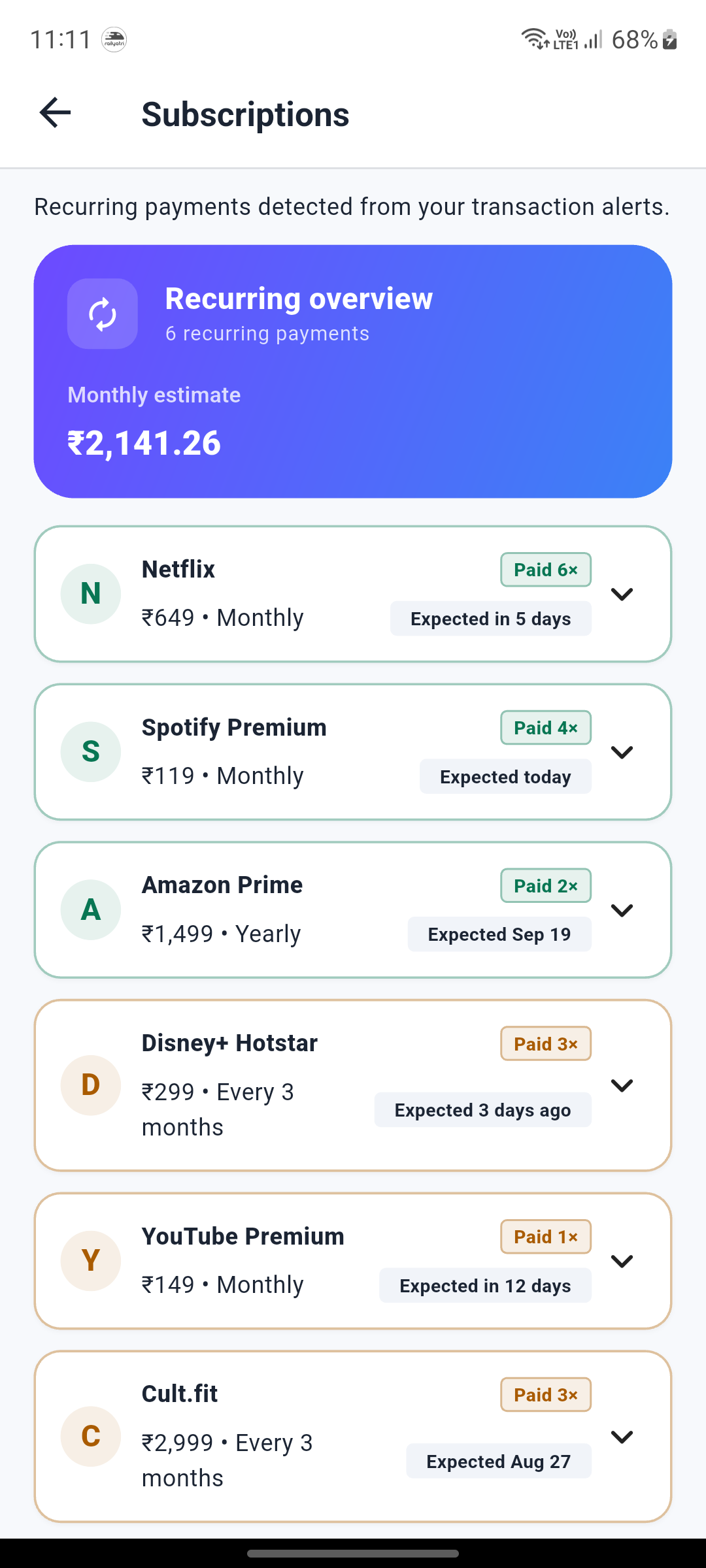
Surface likely subscriptions and their expected payment cadence from available alerts.
Create CSV, PDF, protected PDF, or protected ZIP reports with configurable detail.
Money Insights is an informational analyzer, not a bank statement or financial advice. Results depend on the transaction alerts available on the device and may be incomplete.
One app, more utility
Understand supported financial alerts, schedule messages, remember follow-ups, protect private threads, and keep important SMS history portable.
Understand spending and cash flow from supported transaction SMS.
Surface likely recurring payments and expected dates.
Send messages later without manual reminders.
Turn important threads into follow-ups.
Recover or transfer SMS history when changing phones.
Save SMS records with practical formats and password options.
Private by design
App lock, hidden conversations, backup, restore, transfer, and export are deliberate actions, not background noise.
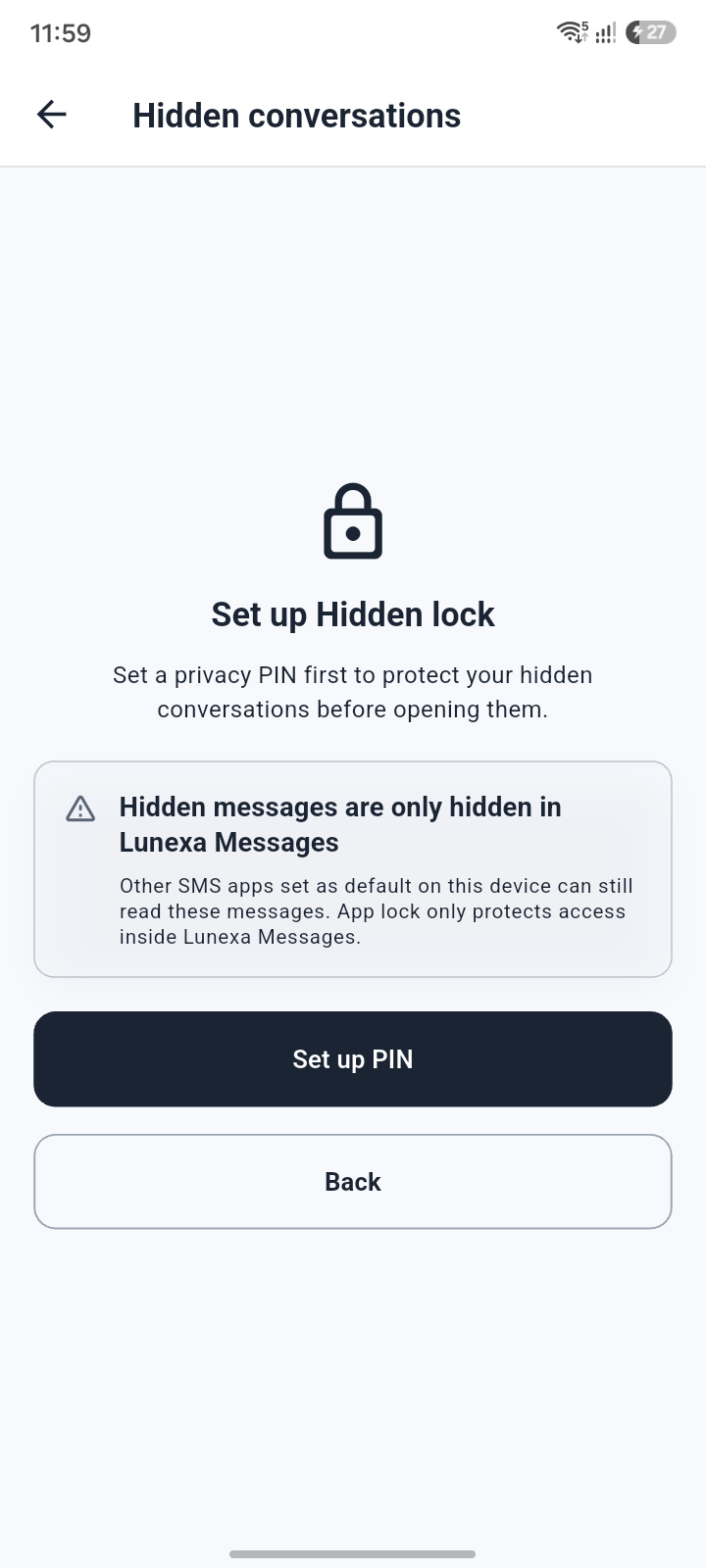
Add an unlock step before sensitive parts of the app.
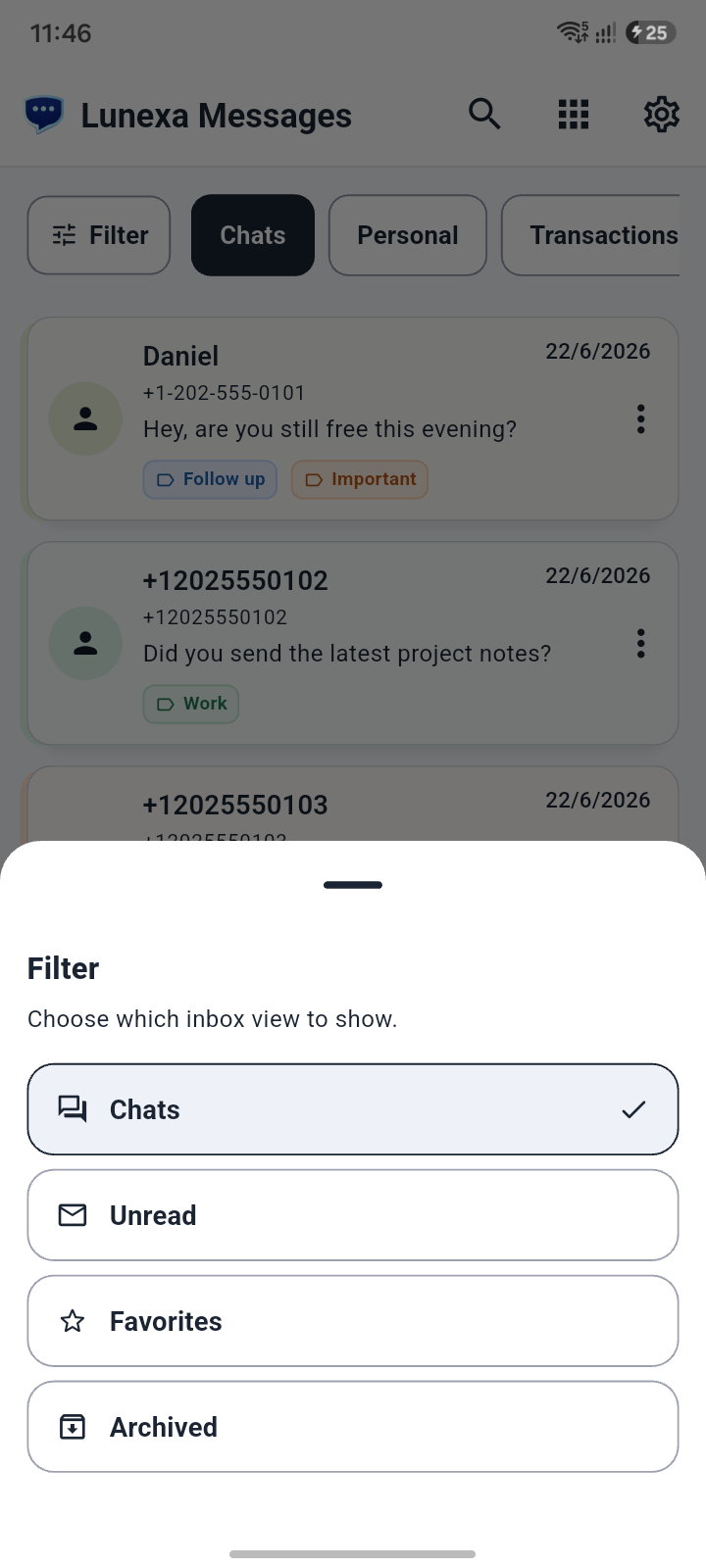
Keep private threads out of the everyday inbox.
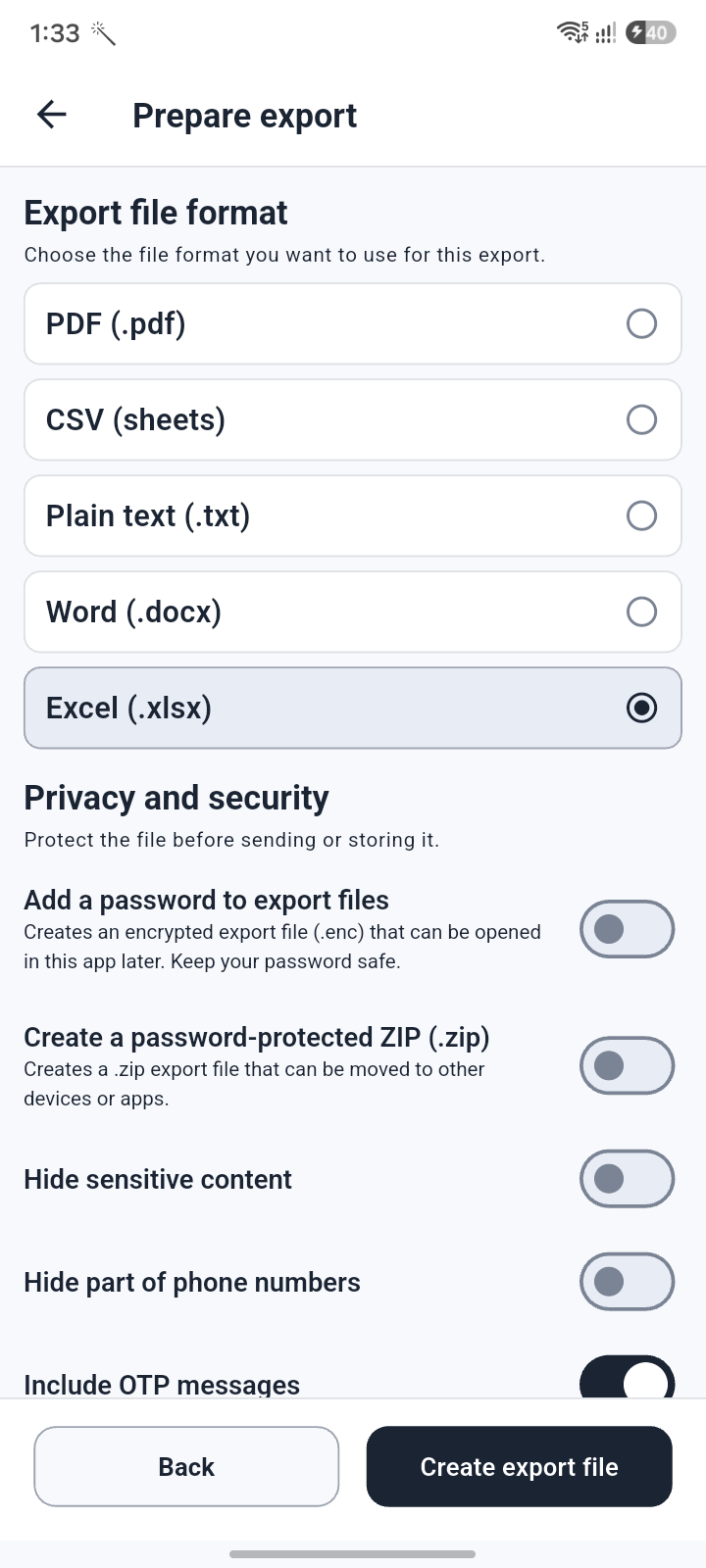
Protect sensitive message records with password options.
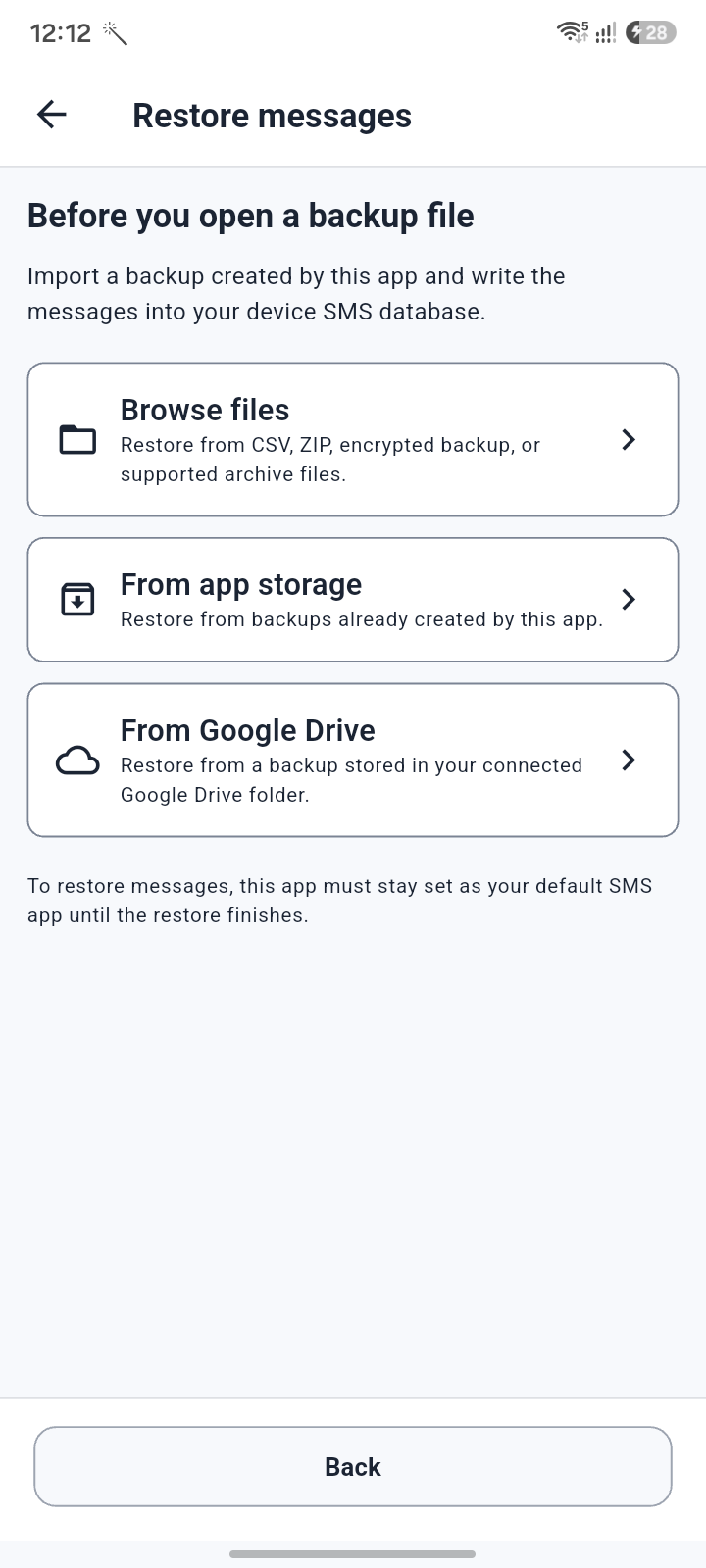
Use backup and restore flows when changing phones or recovering data.
How it works
Use Lunexa Messages for daily texts, then open Money Insights, scheduling, reminders, privacy, backup, restore, transfer, and export tools when they are useful.
Use Lunexa Messages for everyday SMS and MMS.
Review supported transaction alerts in Money Insights.
Schedule messages, set reminders, and protect private threads.
Back up, restore, transfer, or export SMS history when needed.
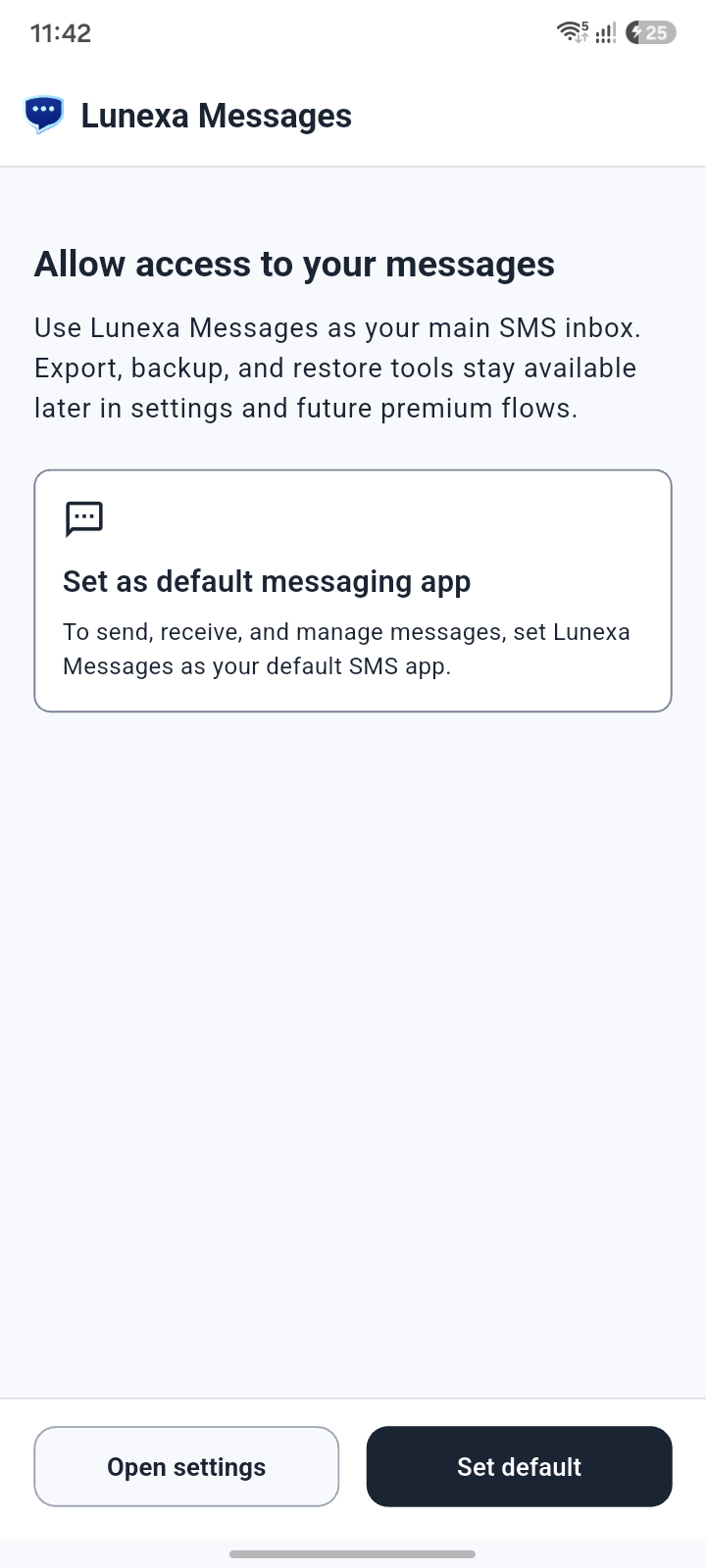
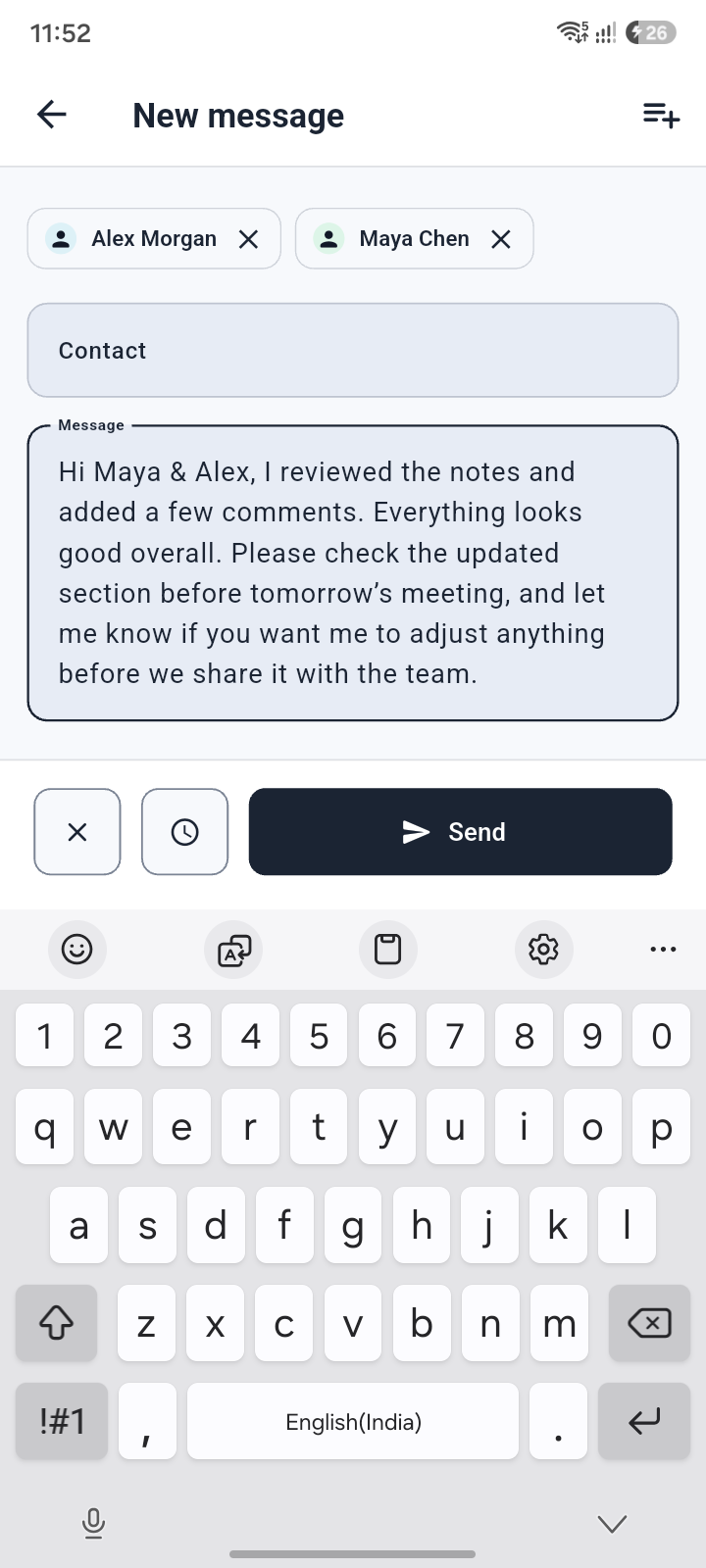
Full feature library
Review the complete Money Insights, subscription, scheduled SMS, reminders, hidden conversation, backup, restore, transfer, and protected export experience.
Explore featuresMoney Insights
Subscription tracking
Scheduled SMS
Protected exports
Make your inbox work harder
Download Lunexa Messages for Android and bring Money Insights, scheduling, privacy, backup, and export tools into one focused SMS app.

FAQ
Money Insights, privacy, setup, scheduled SMS, backup, restore, and exports—without vague promises.
Download Lunexa Messages for Android from Google Play using the button on this website.
Money Insights analyzes supported transaction SMS alerts available on your device and organizes likely credits, debits, spending categories, merchants, institutions, and recurring payments.
No. Lunexa does not ask for bank credentials to build Money Insights. The feature works from supported financial SMS alerts already available to the app on your device.
No. It is an informational analyzer and may be incomplete when alerts are missing, delayed, or formatted differently. Verify important amounts with your bank or financial institution.