Money Insights overview
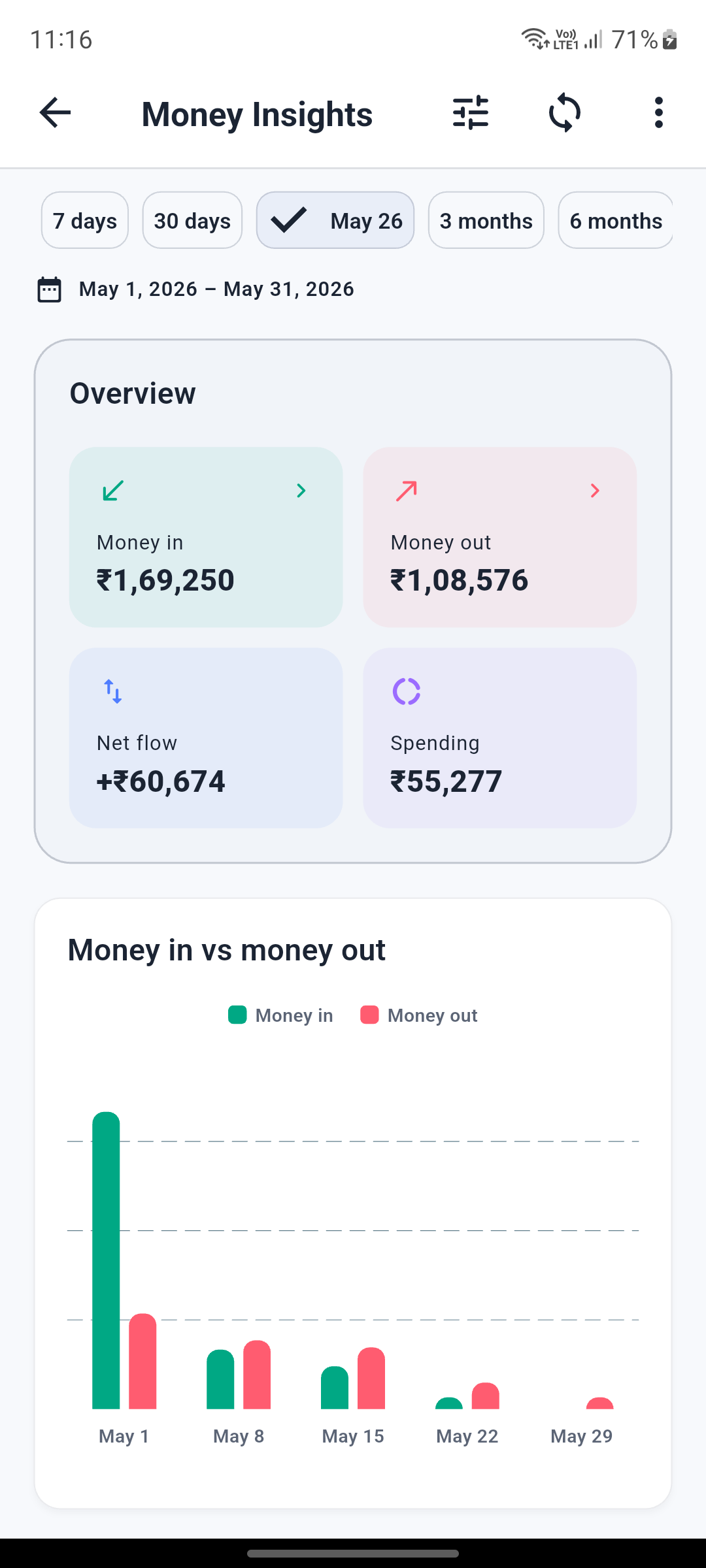
BetaA clear summary built from supported transaction SMS alerts.
See money in, money out, net flow, spending, and cash-flow charts for the date range you choose.
Features
Lunexa Messages keeps everyday texting focused while adding Money Insights, subscription detection, scheduling, privacy, backup, restore, transfer, and protected exports.
Money Insights
A clear summary built from supported transaction SMS alerts.
See money in, money out, net flow, spending, and cash-flow charts for the date range you choose.
Categories and recent activity stay connected to their source transactions.
Review categories, recent transactions, and uncertain alerts that need your confirmation.
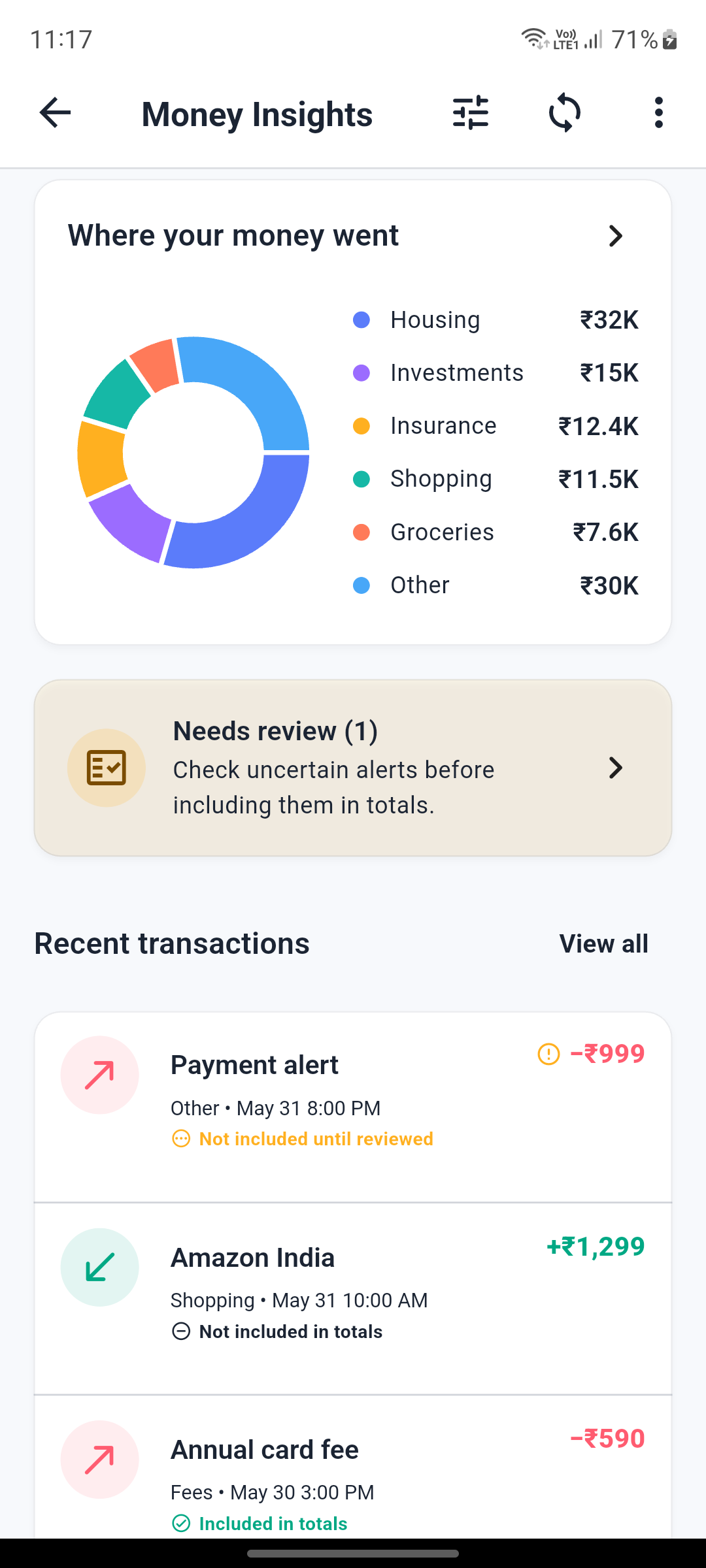
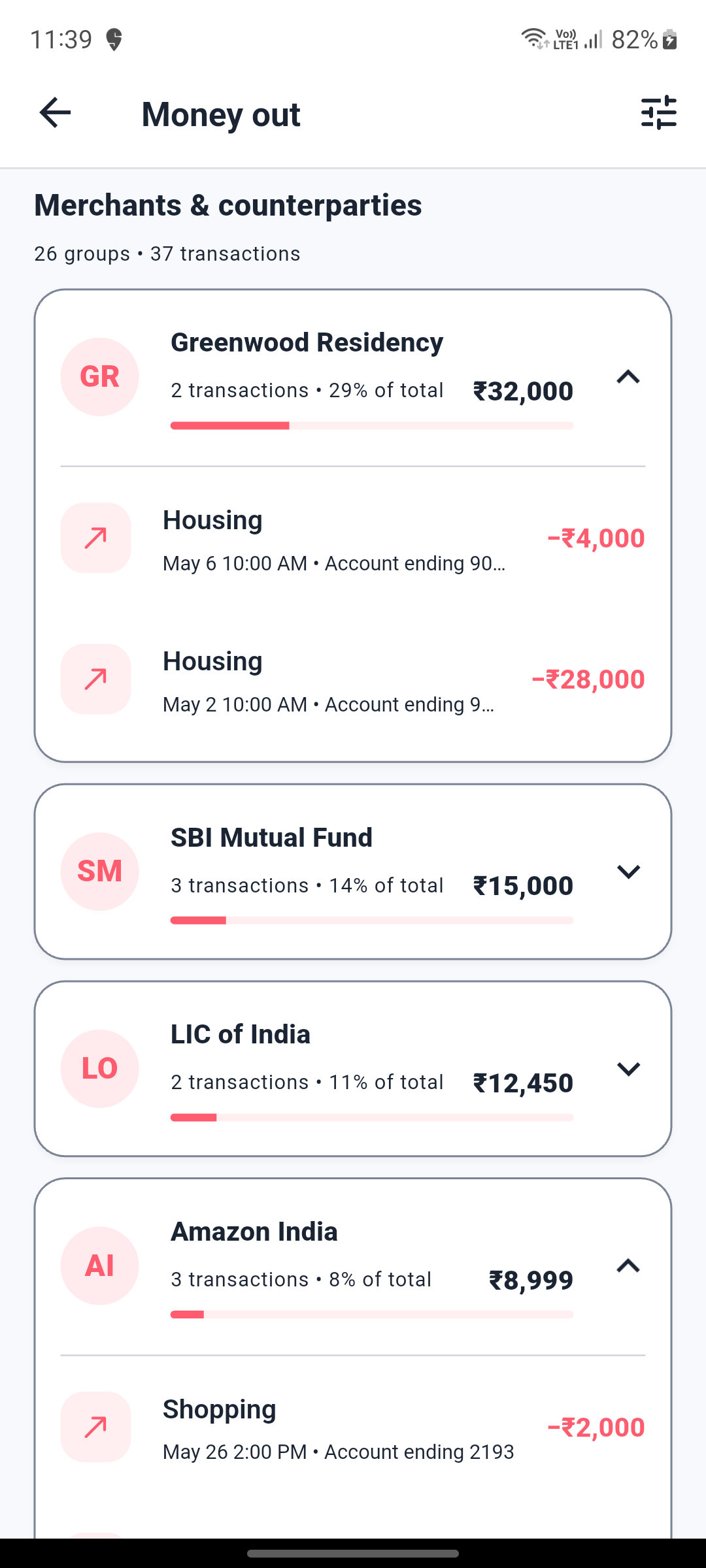
Repeated payments are grouped without hiding individual transactions.
Open detailed inflow and outflow views with trends, institutions, merchants, and grouped counterparties.
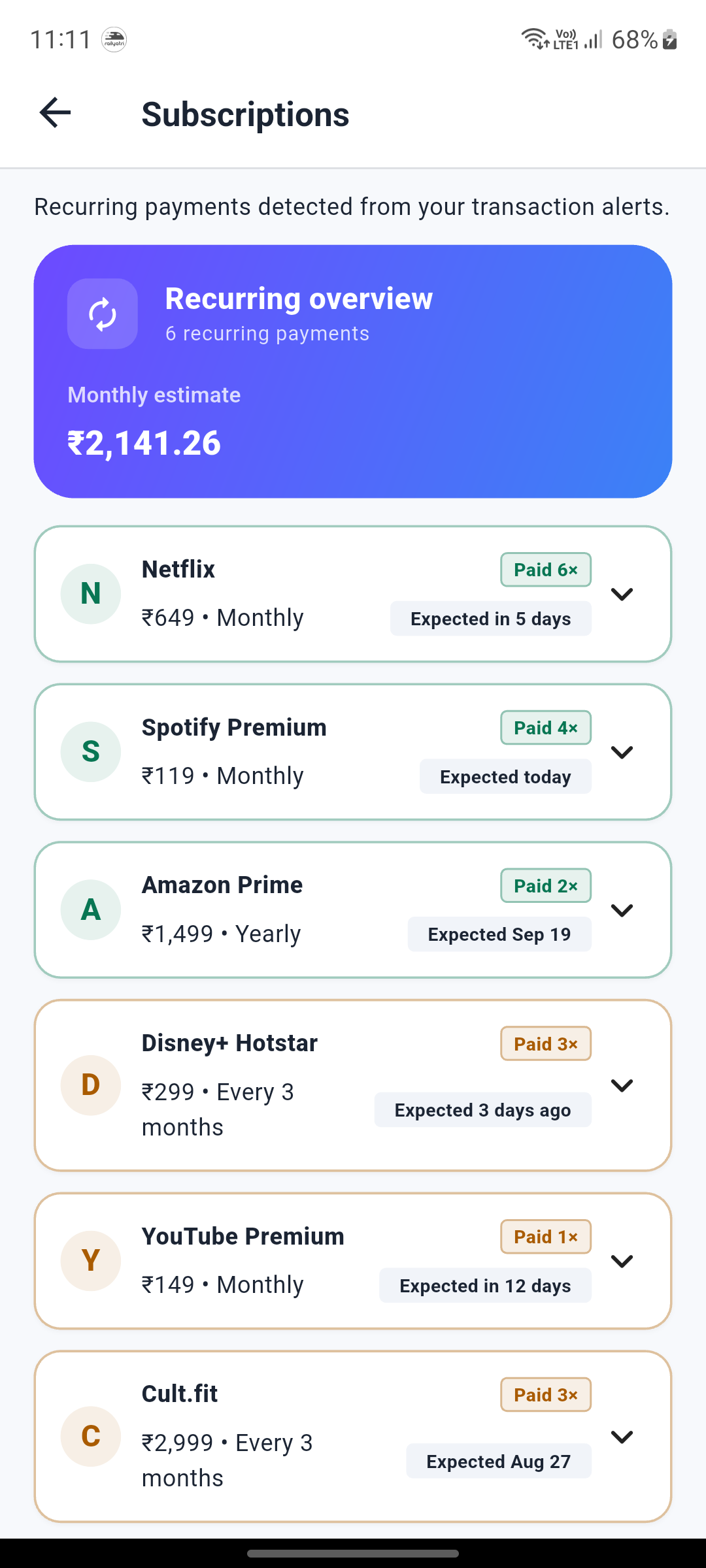
A lightweight subscription view based on available payment alerts.
Detect likely recurring payments, view their cadence, and see when the next charge may be expected.
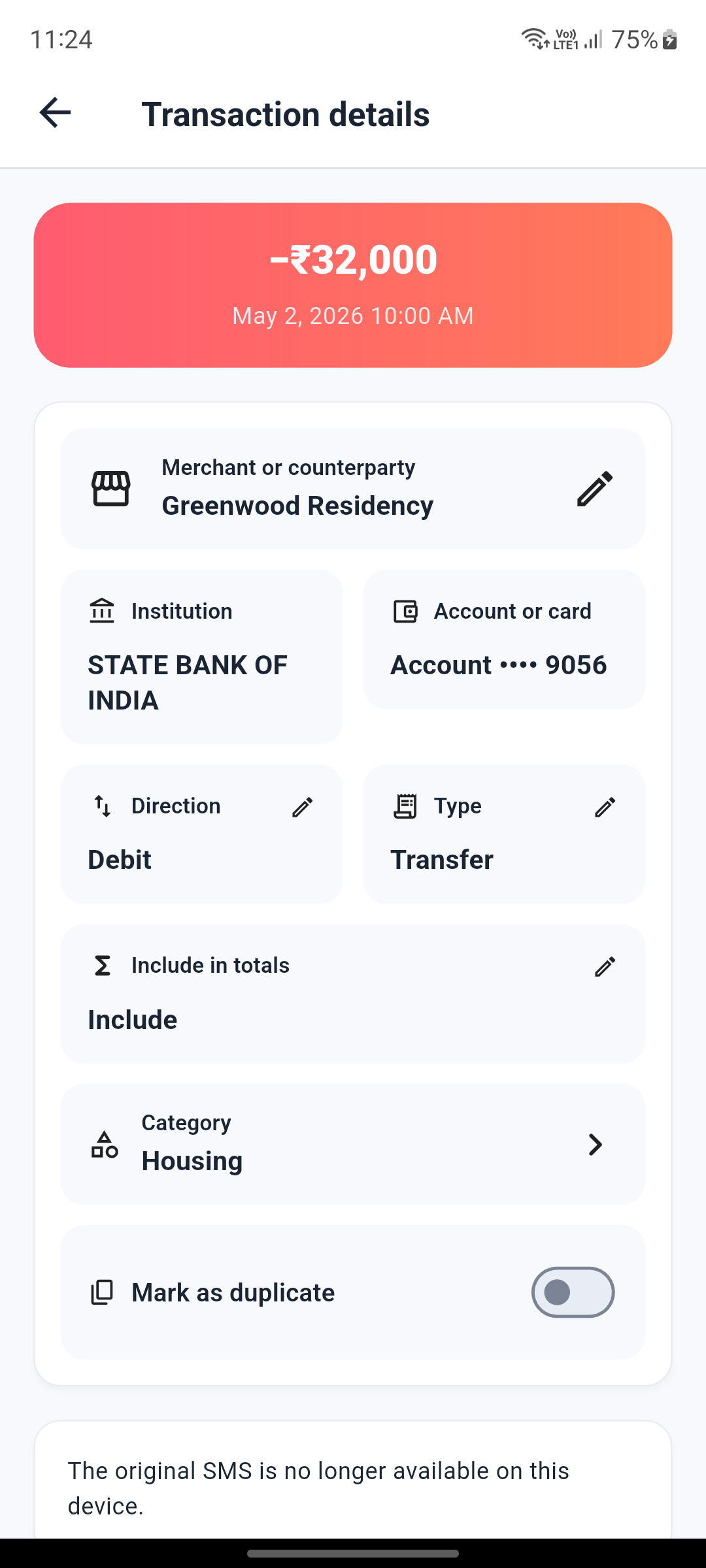
Detailed records make automatic classifications easier to verify.
Check amount, direction, type, account, category, merchant, and the original SMS when available.
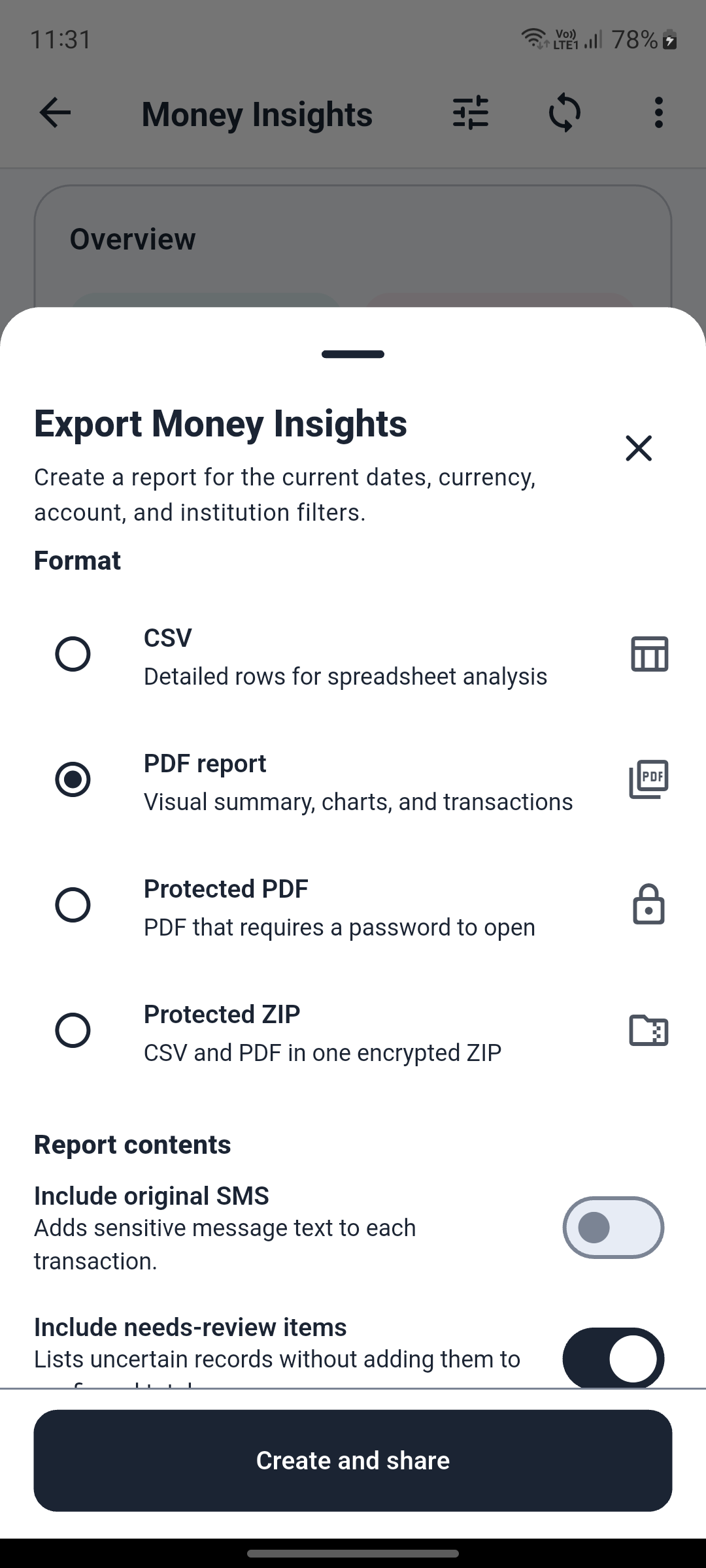
Create shareable reports for the active date and account filters.
Export CSV, PDF, protected PDF, or protected ZIP reports with control over sensitive content.
Daily messaging
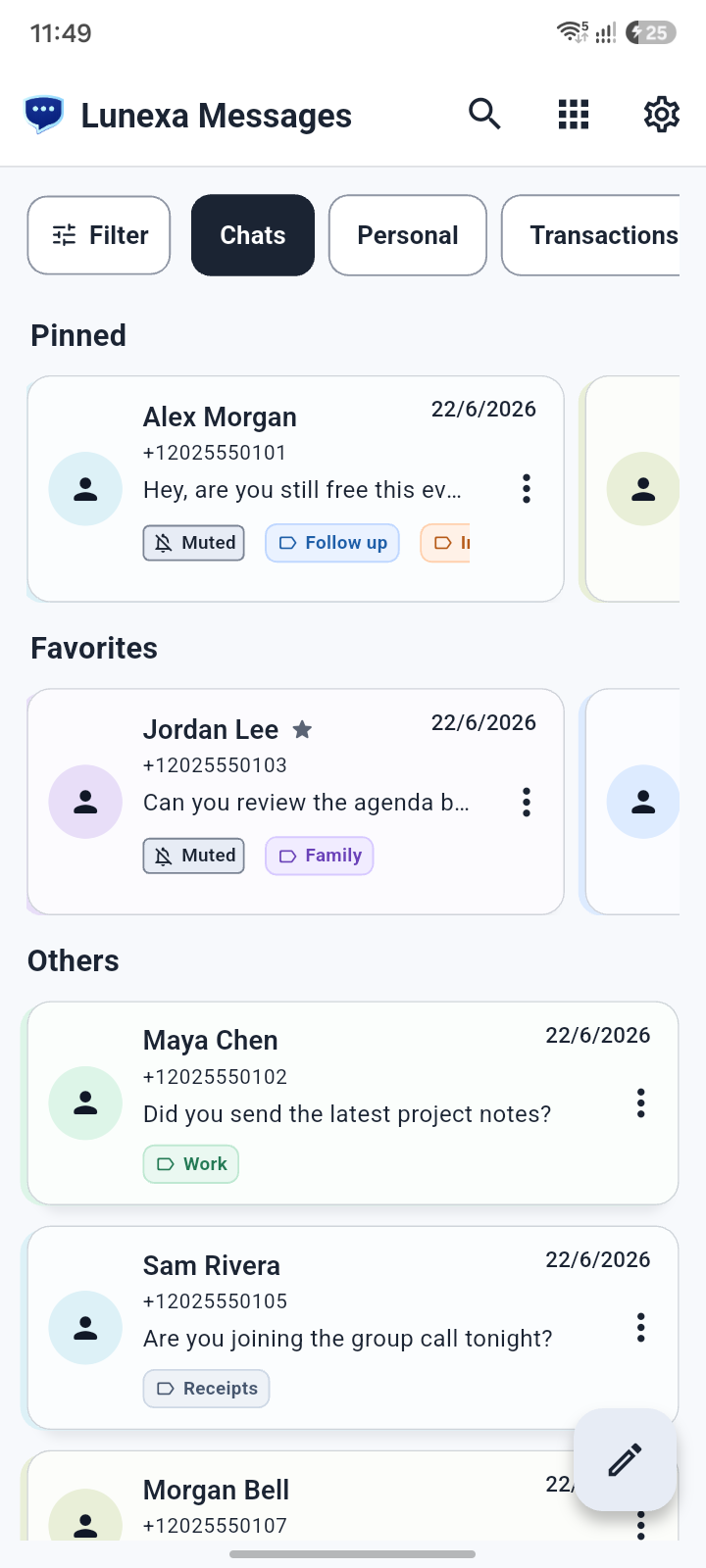
A focused inbox for daily SMS conversations.
Read conversations clearly, manage threads quickly, and keep everyday texting simple.
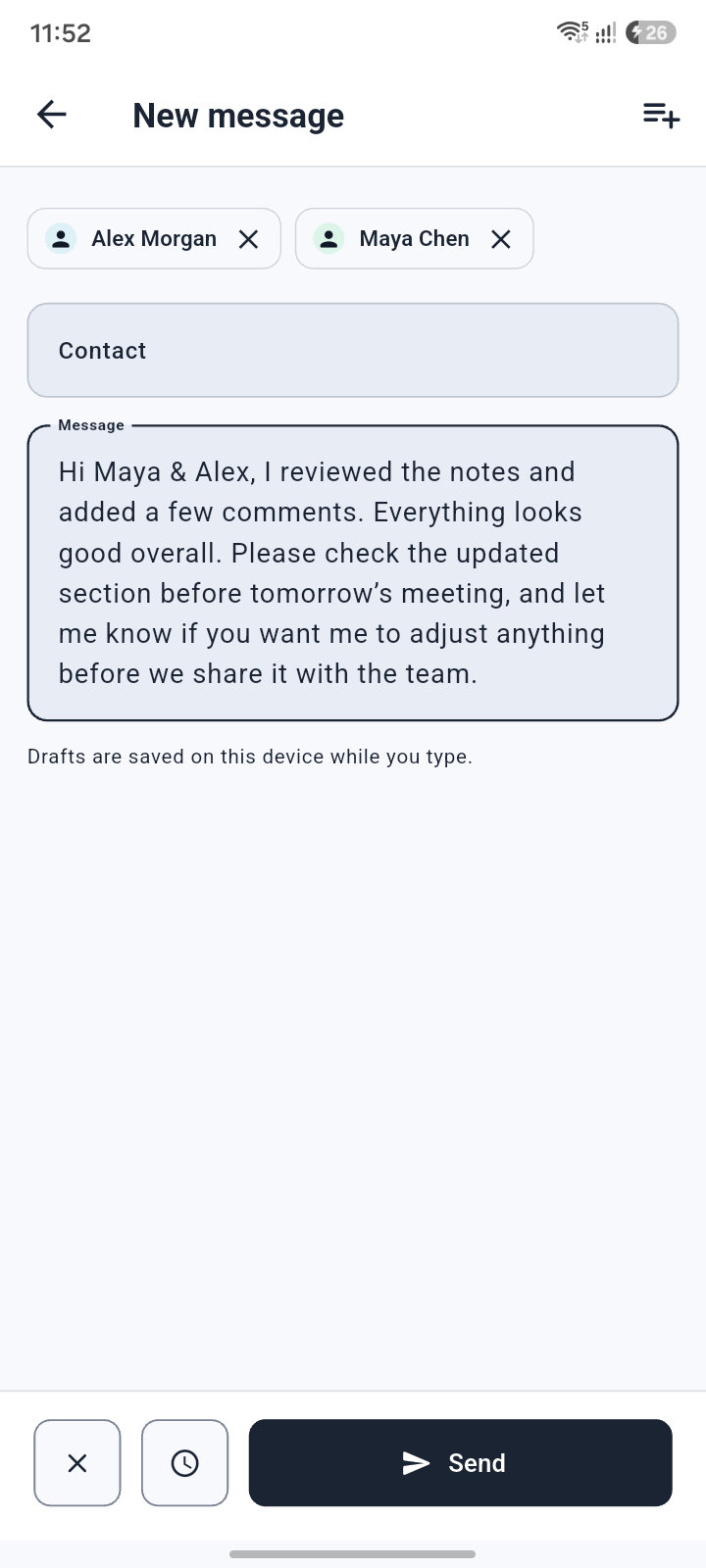
A simple composer for starting a new message.
Start a new SMS with a clean compose screen built for fast one-to-one texting.
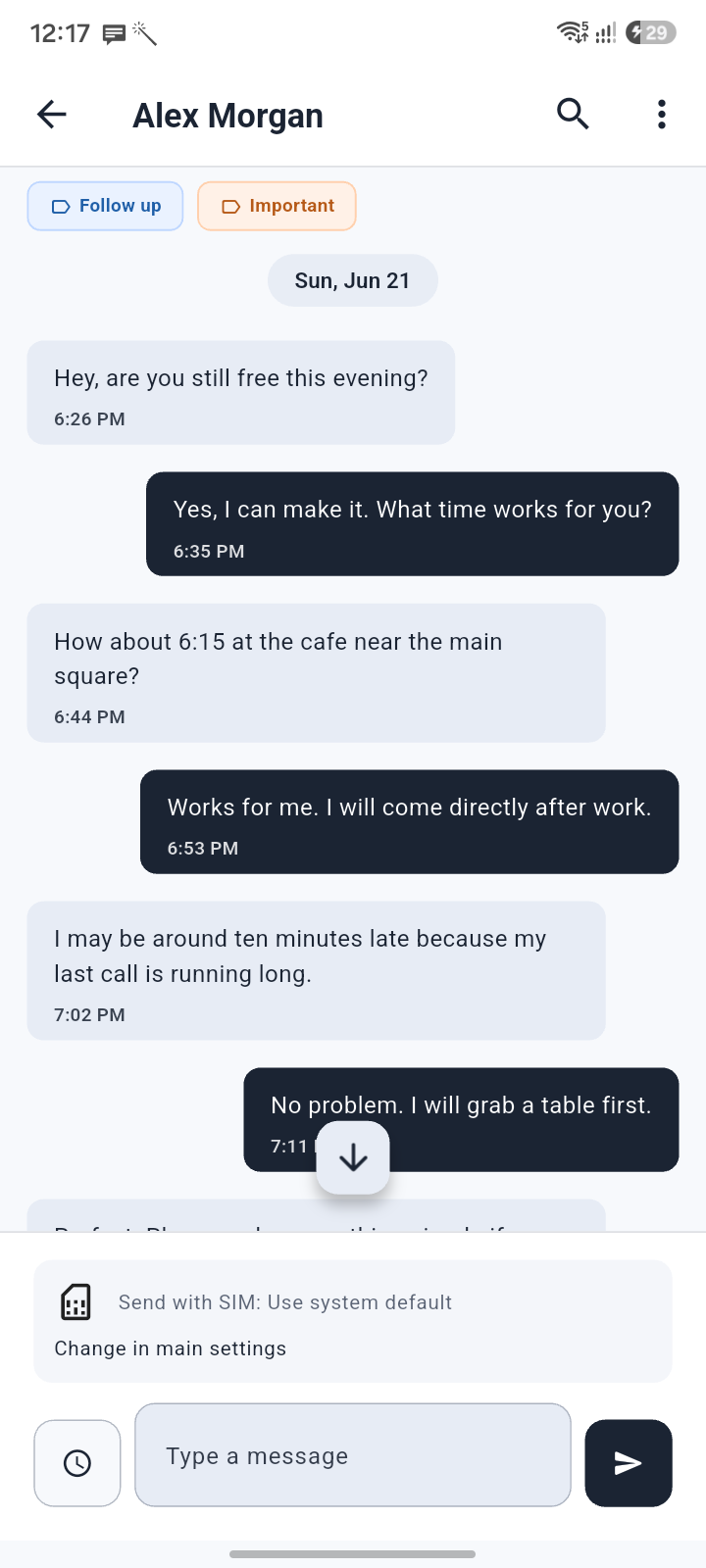
Read and reply inside a focused conversation.
Follow message history in a clear thread view with quick access to the tools you need.
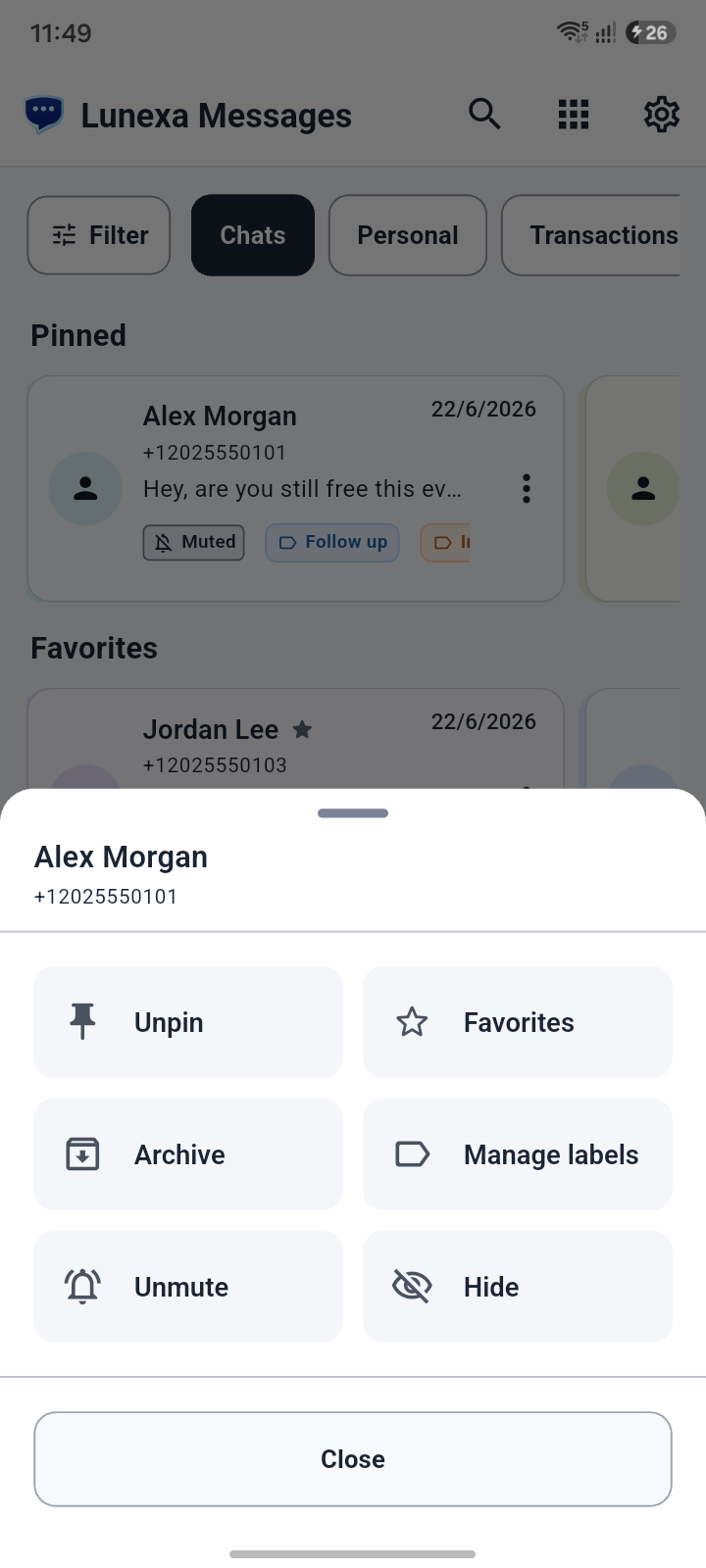
Fast controls for managing conversations.
Use quick actions for common thread tasks without digging through settings.
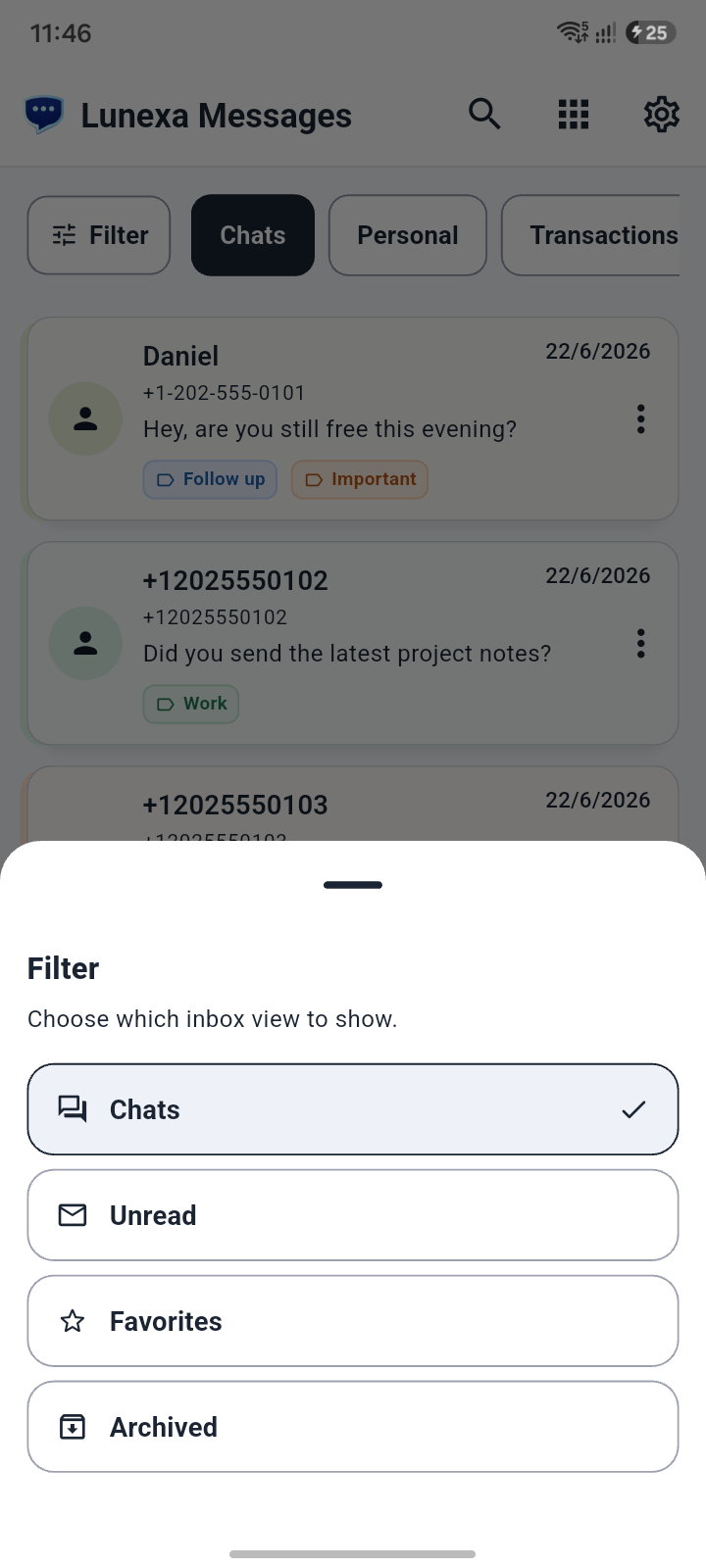
Find the conversation you need faster.
Filter conversations so important, unread, hidden, or organized threads are easier to find.
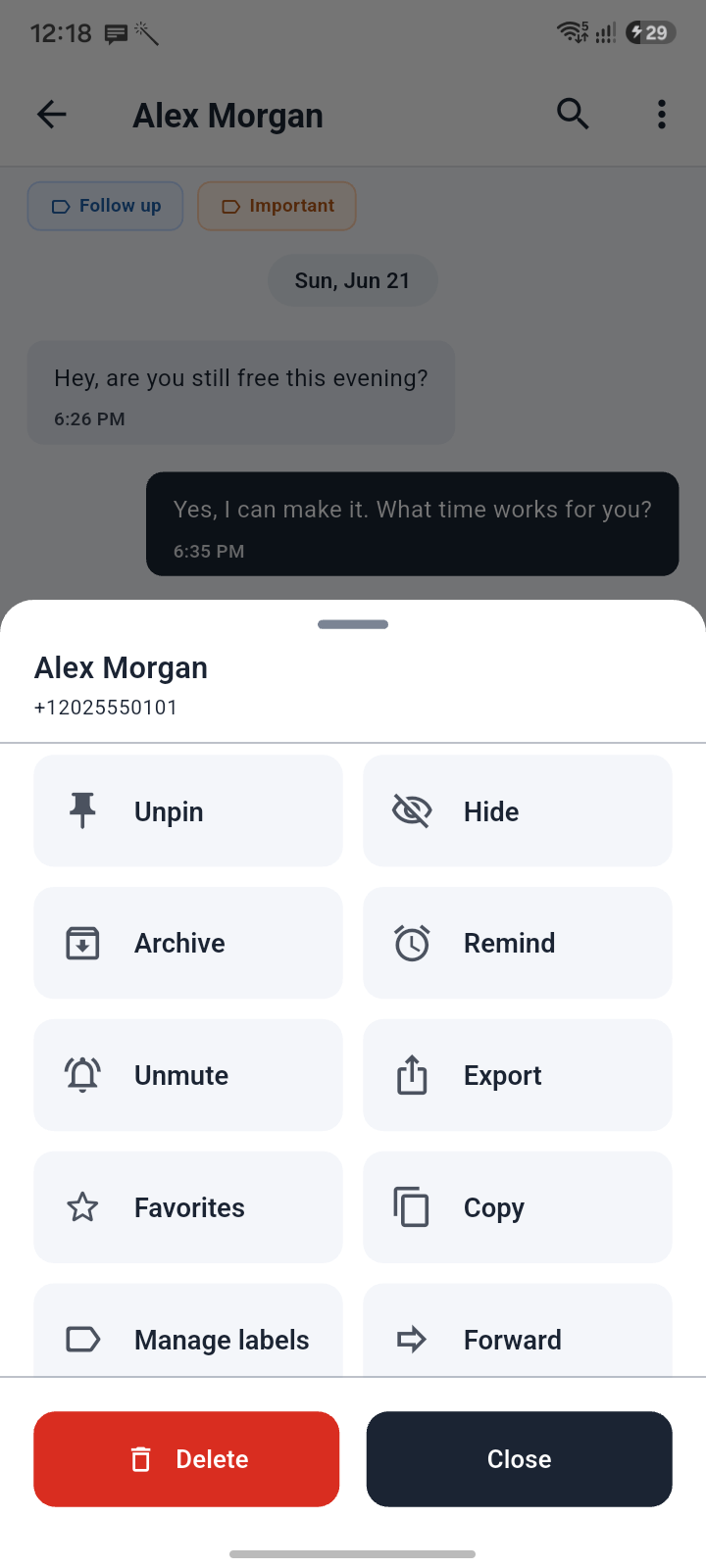
Conversation controls where they are needed.
Manage a conversation with actions for labels, reminders, privacy, and cleanup.
Planning
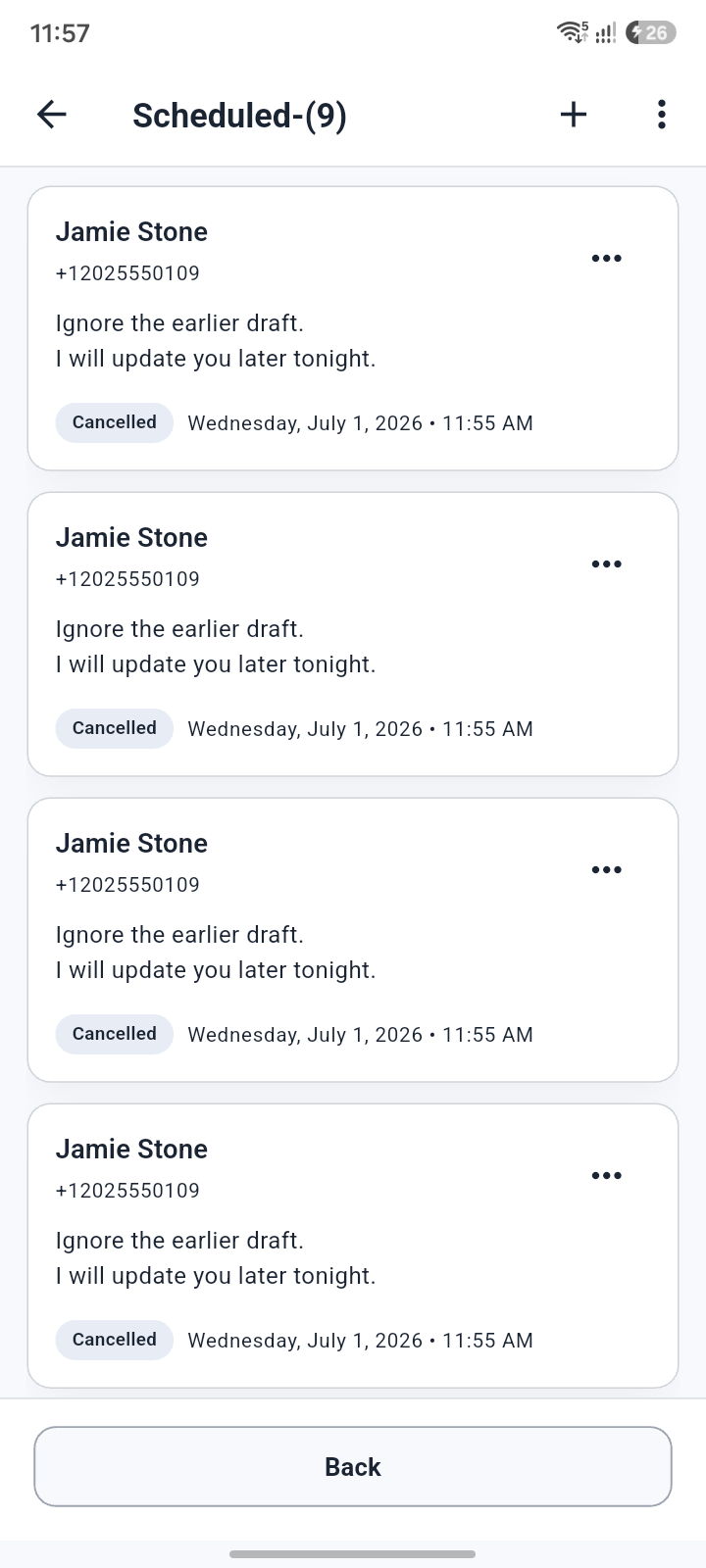
Write a message now, choose a time, and send it later.
Write a message now and send it later for birthdays, bills, work replies, and follow-ups.
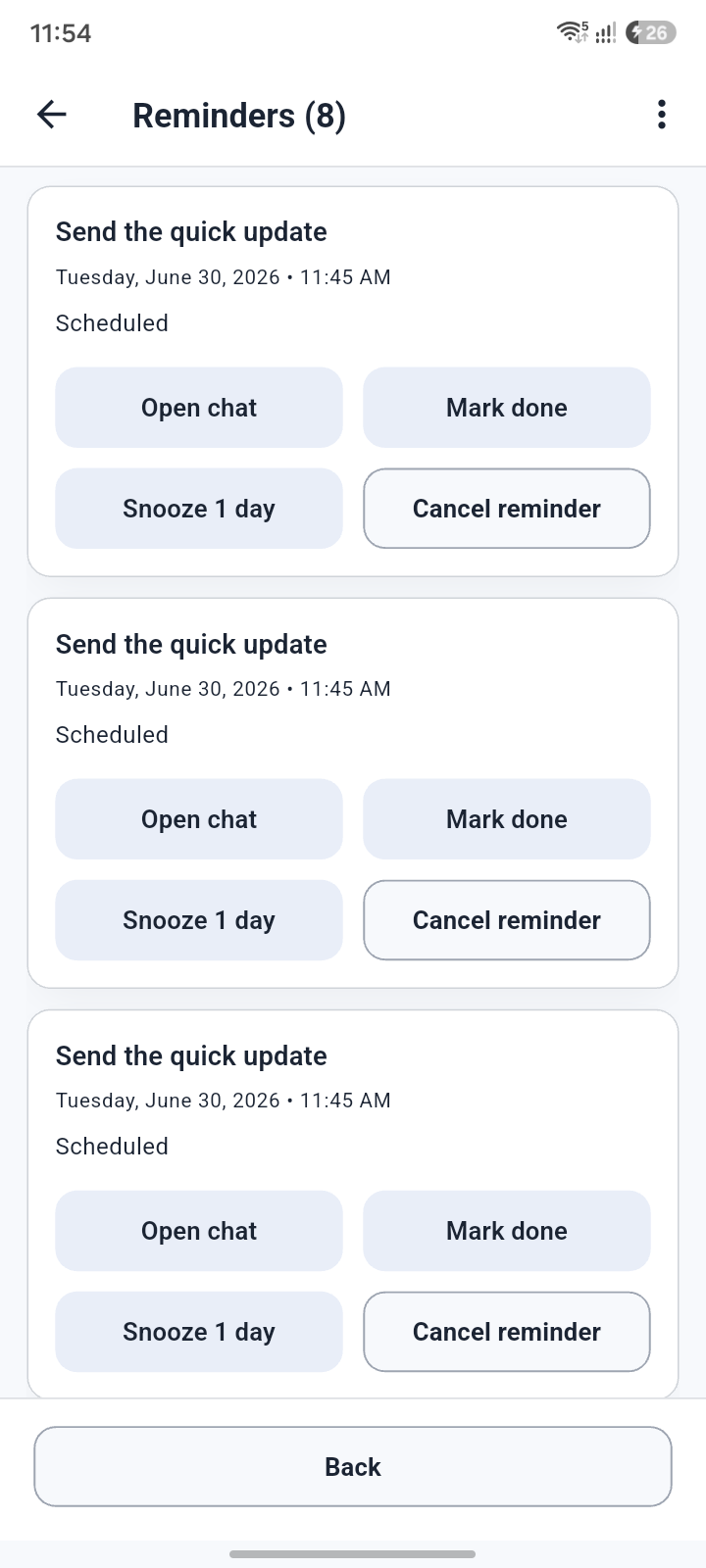
Create follow-ups from SMS threads so important replies do not slip.
Turn important threads into reminders so a reply or task does not disappear in the inbox.
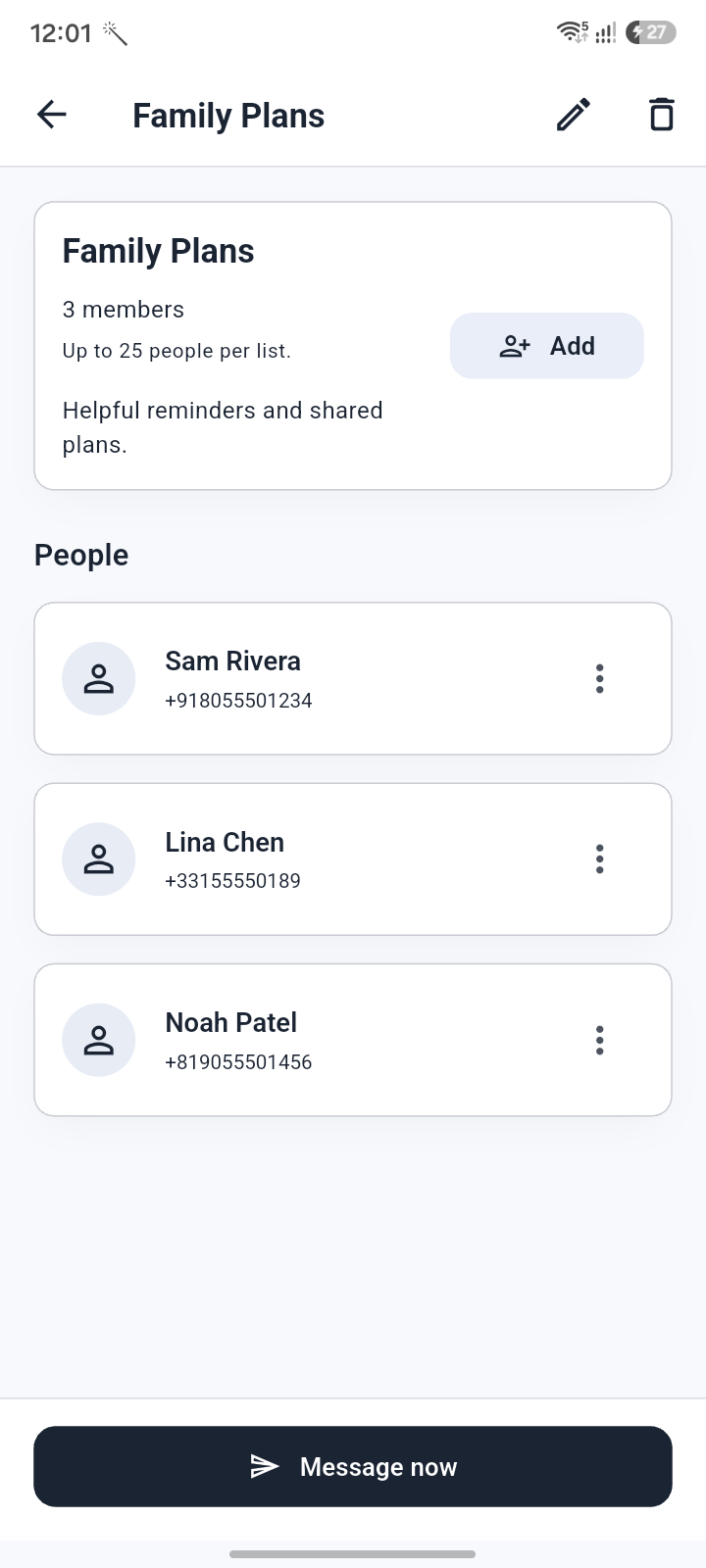
Reach a saved group without creating a group chat.
Send the same update to selected people while keeping each message in its own conversation.
Private spaces
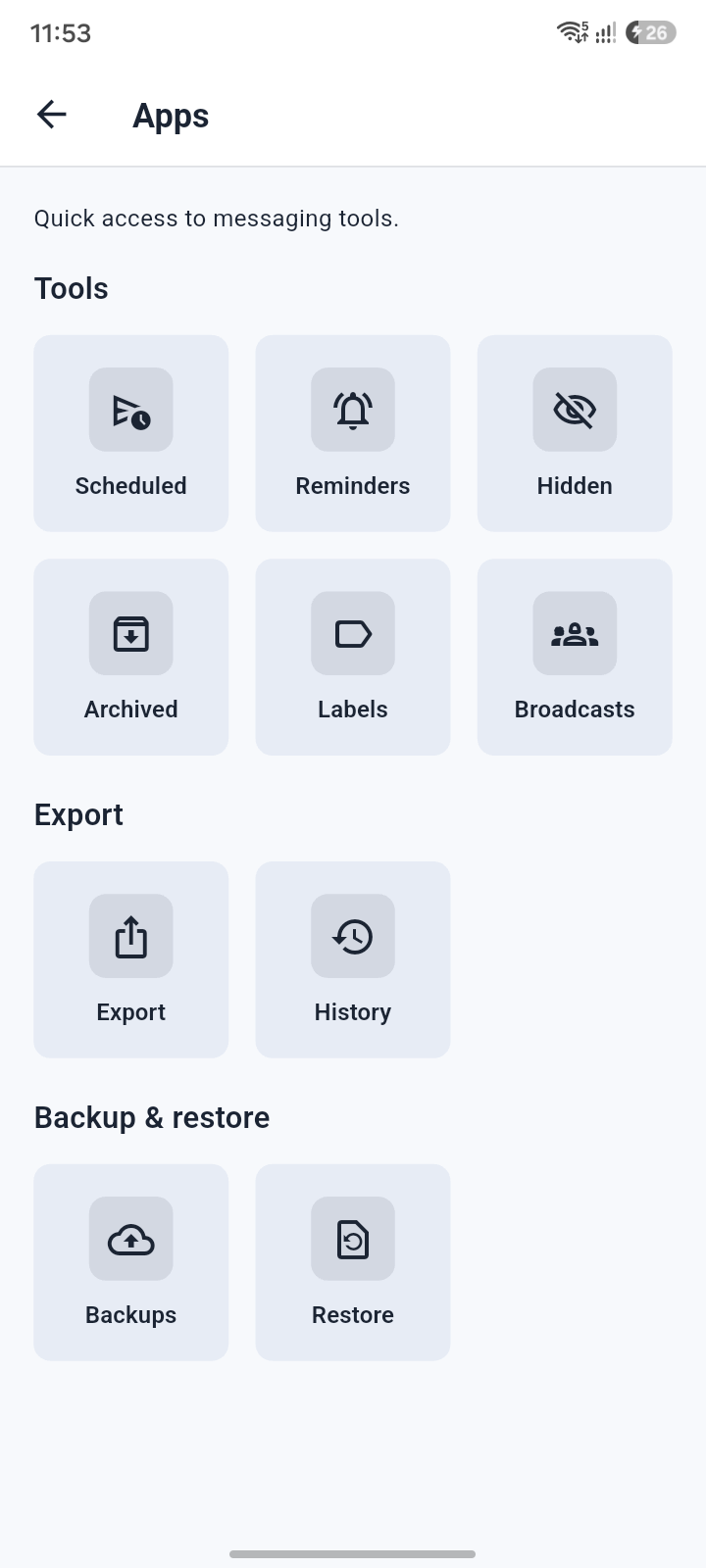
Messaging tools grouped in one calm space.
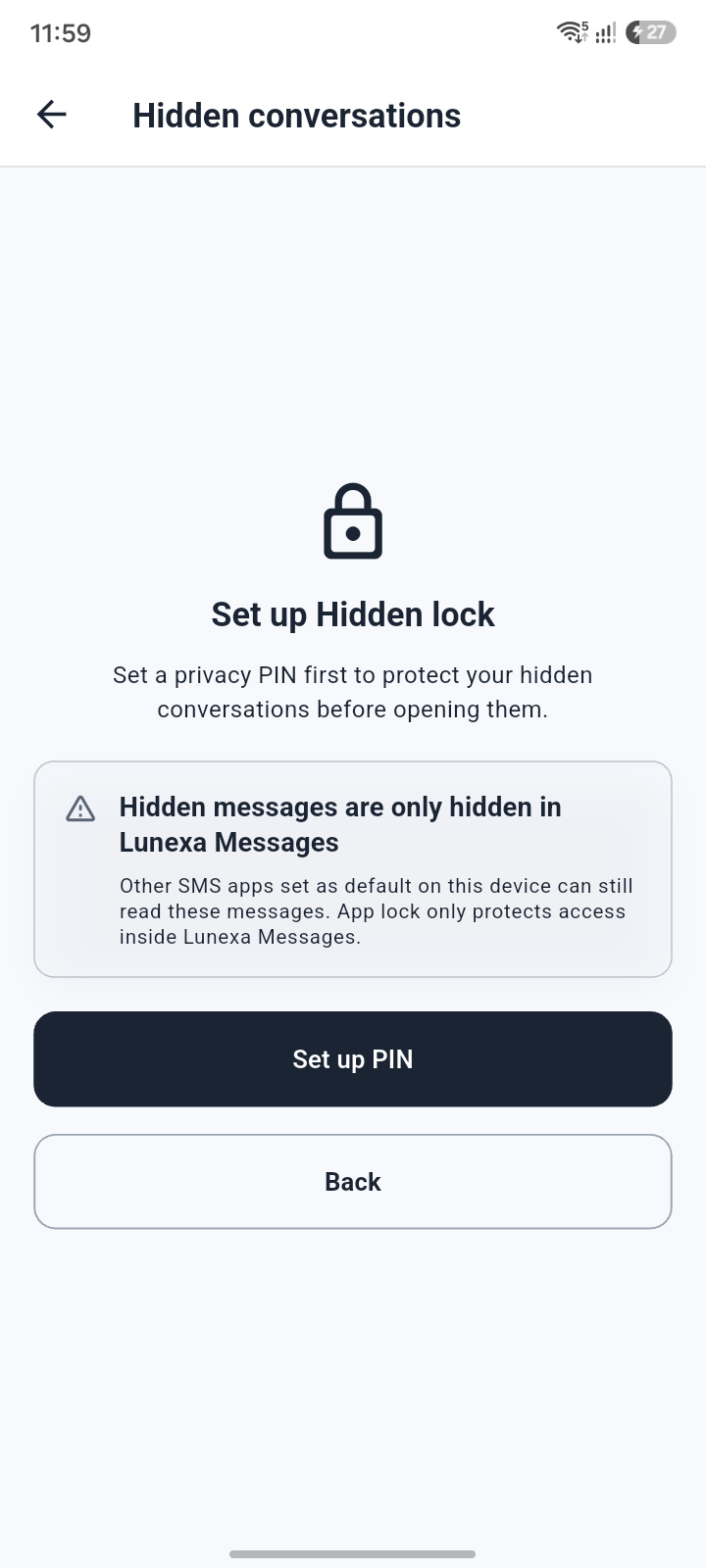
Open privacy-first tools from one place and keep sensitive workflows separate.
Keep priority and private conversations under control.
Move private threads out of the normal inbox and pin the conversations that matter most.
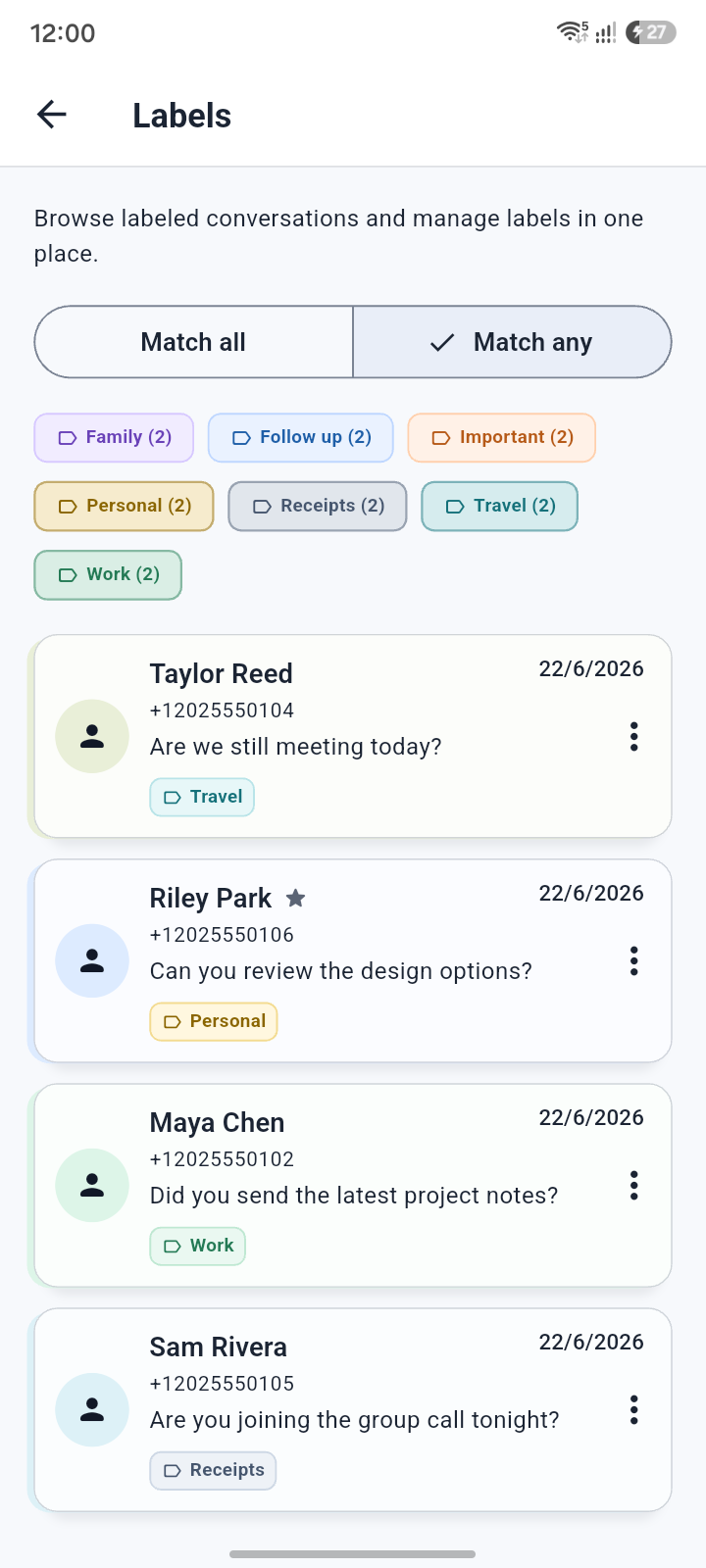
Group important threads and move completed conversations away.
Group important conversations and move finished threads away without losing them.
Backup and restore
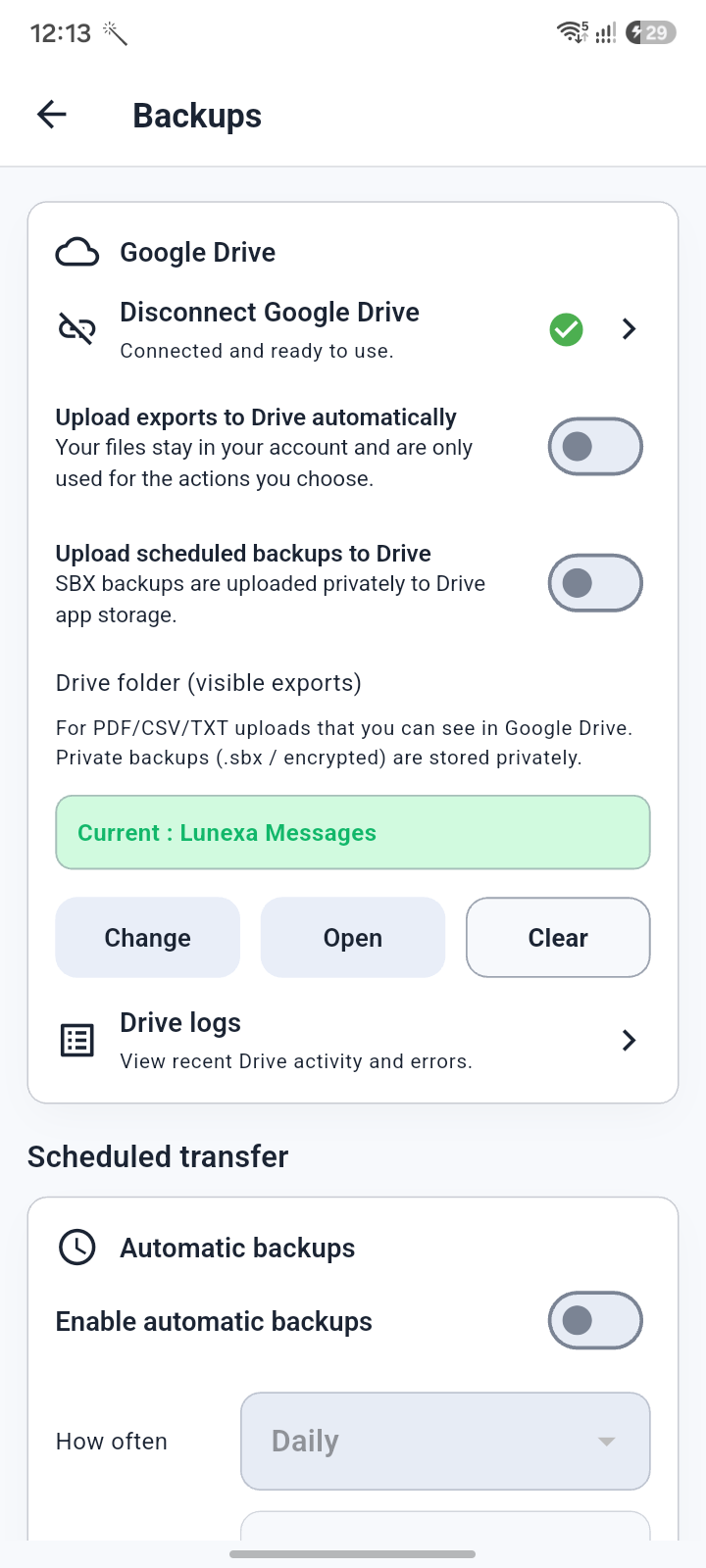
Keep a recoverable copy of message history before changes.
Create backups so important SMS history is not trapped on one device forever.
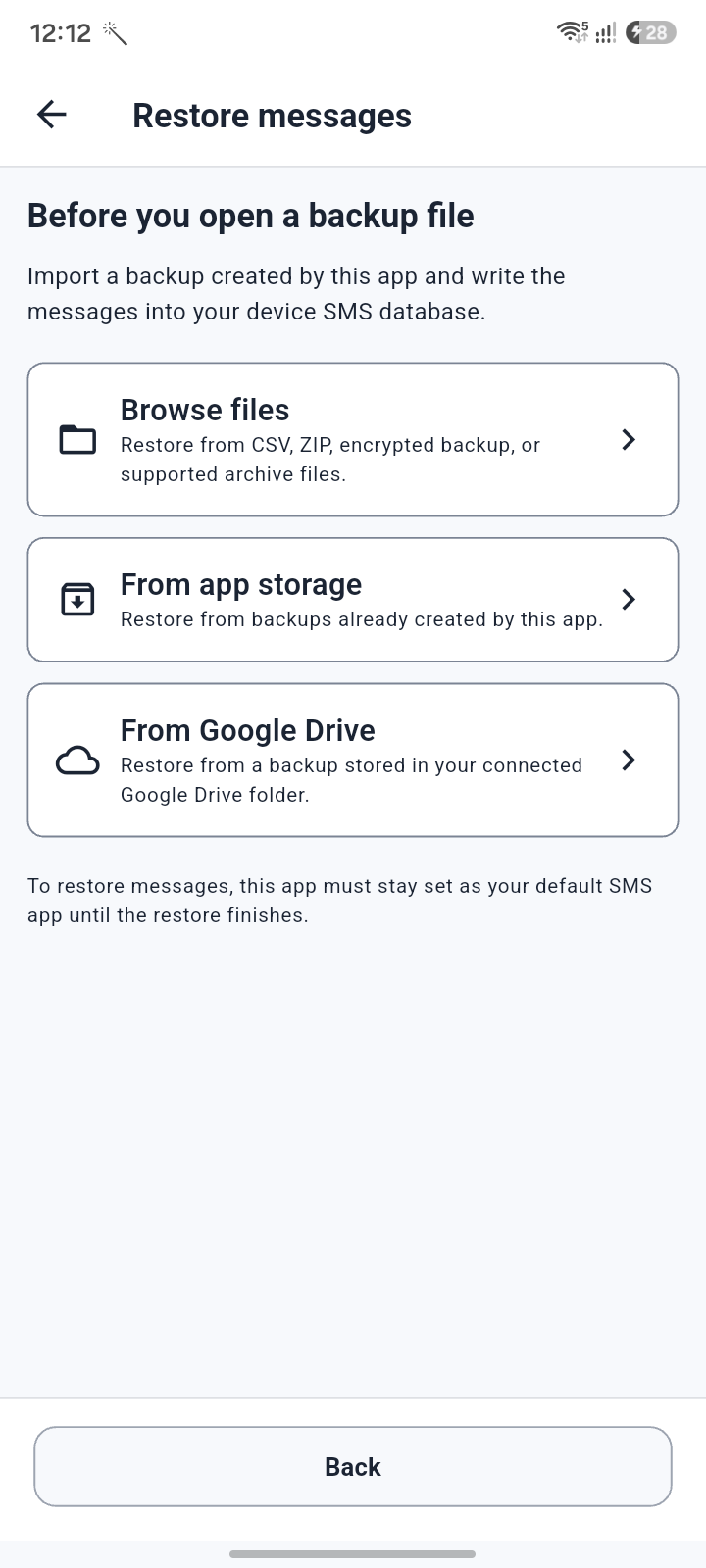
Bring SMS history back from supported backup sources.
Bring SMS history back from supported backup sources during setup, migration, transfer, or recovery.
Save selected conversations in useful document and data formats.
Save selected SMS history in useful formats such as CSV, TXT, PDF, DOCX, XLSX, and backup files.
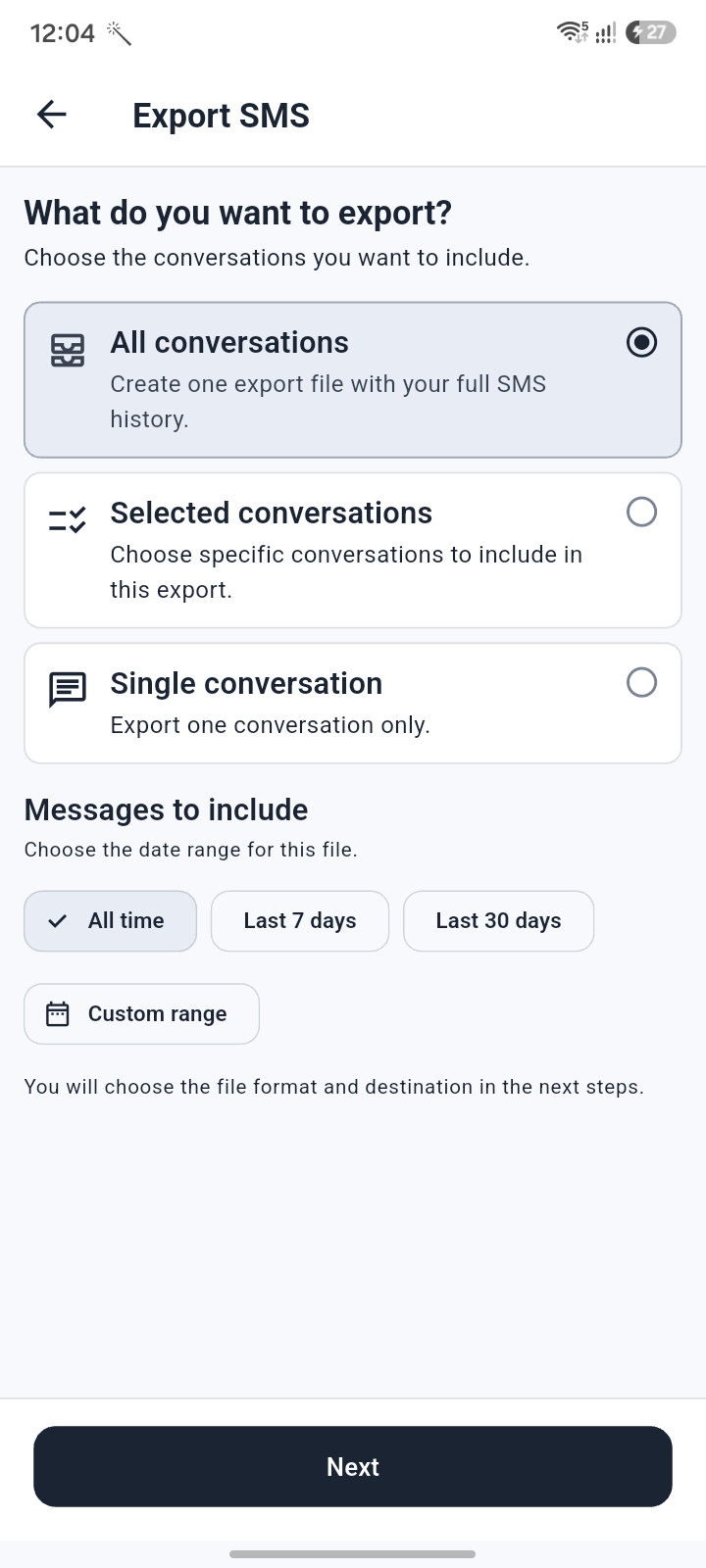
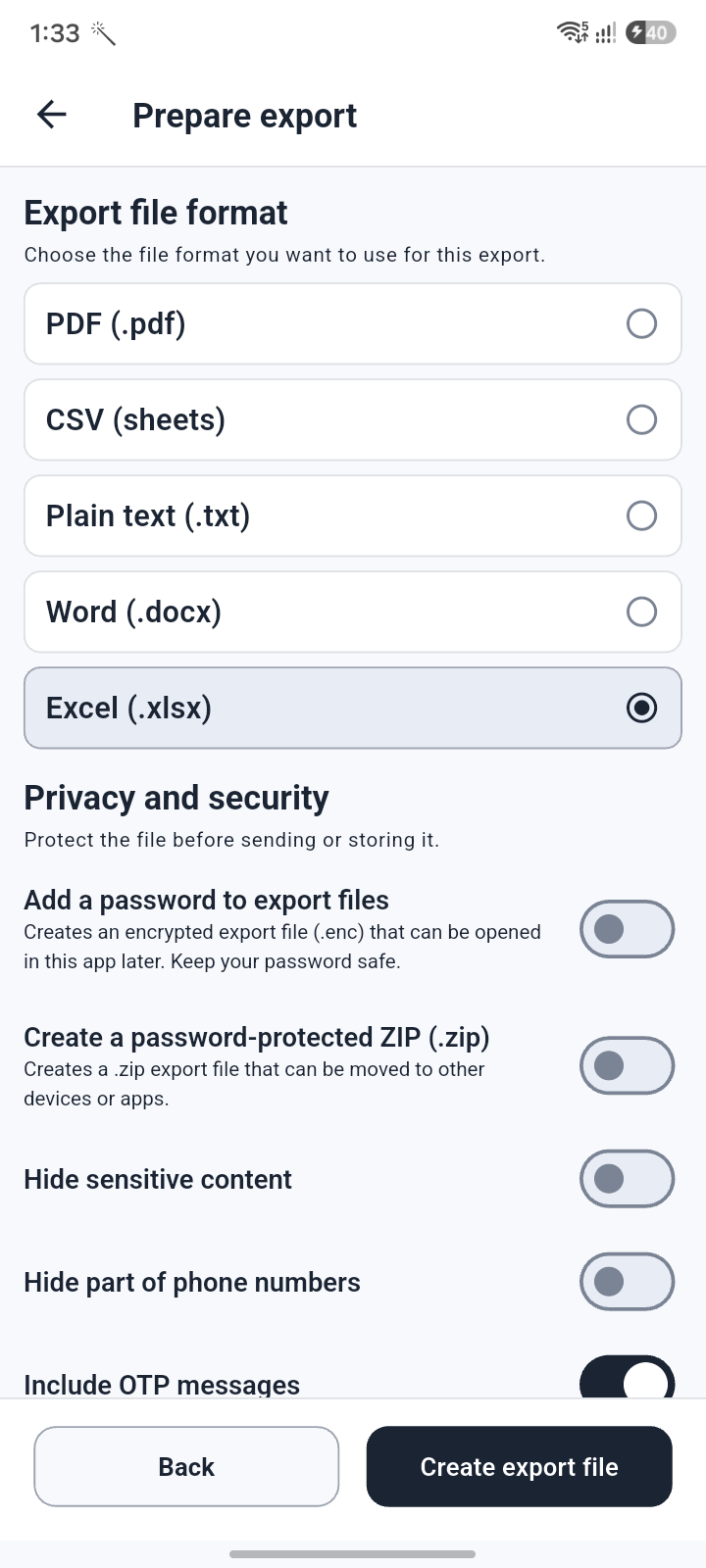
Add password protection when exported message records need extra care.
Protect export files with password options for sensitive SMS records, backups, and transfers.
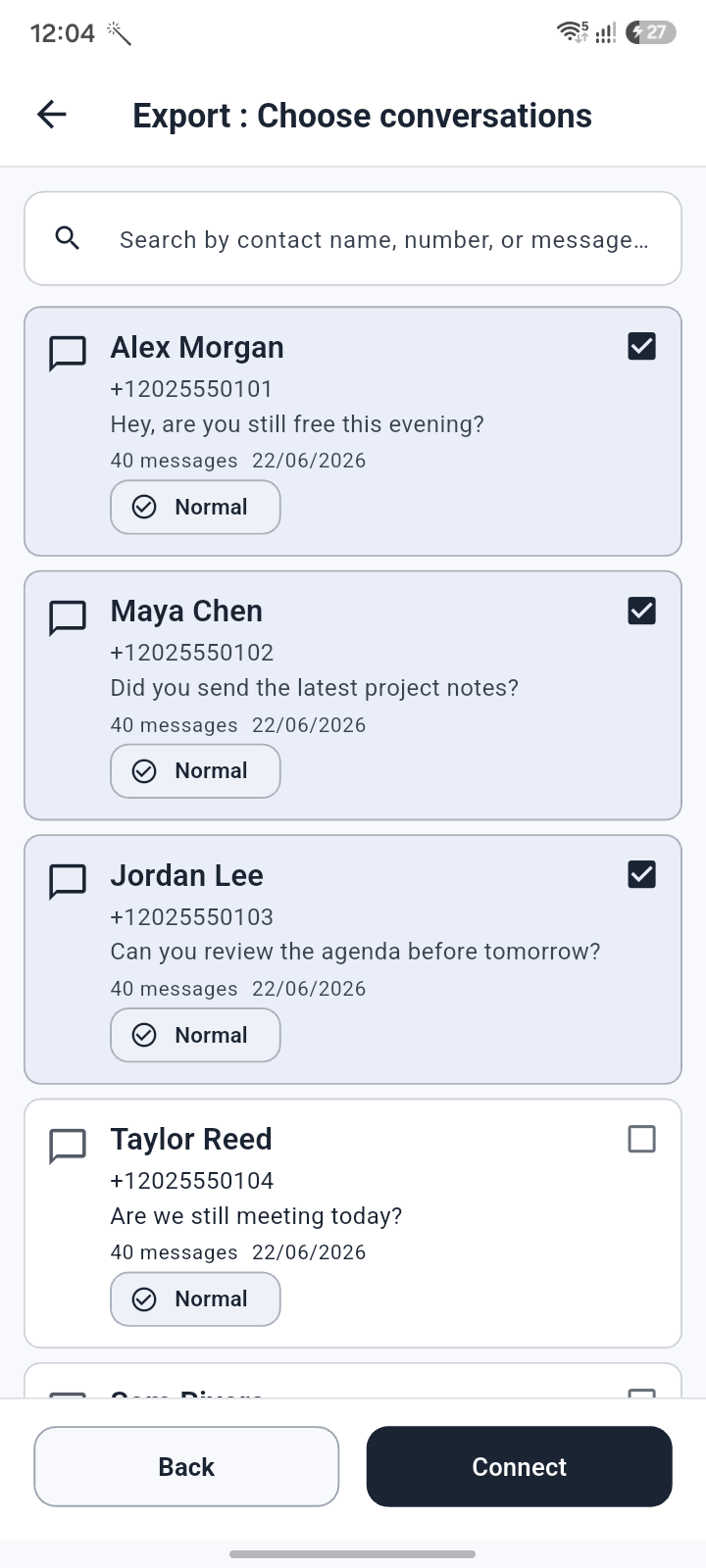
Choose the conversations that belong in your export.
Select exactly which conversations should be included before creating an export.
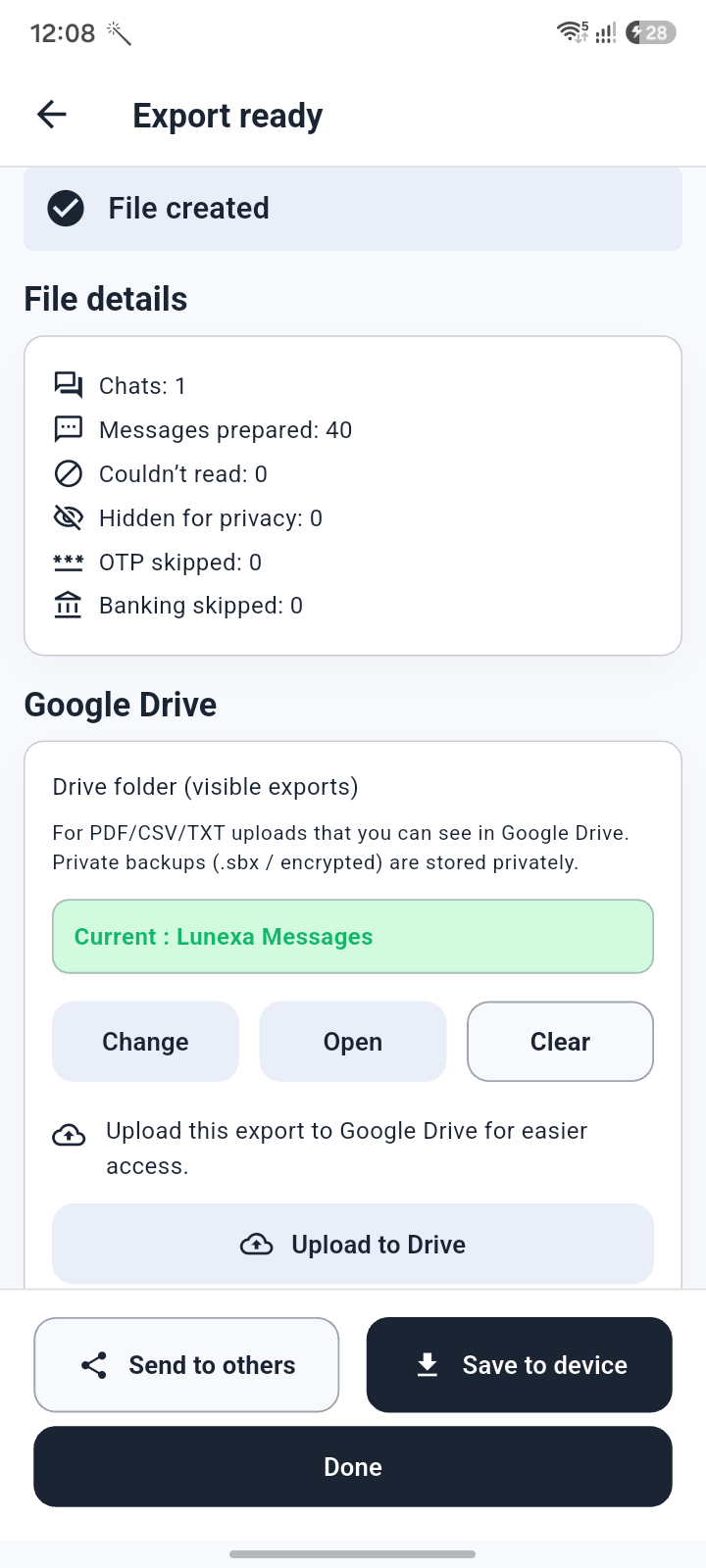
Confirm the final export before saving.
Review export choices before the file is created, so records are saved the way you expect.
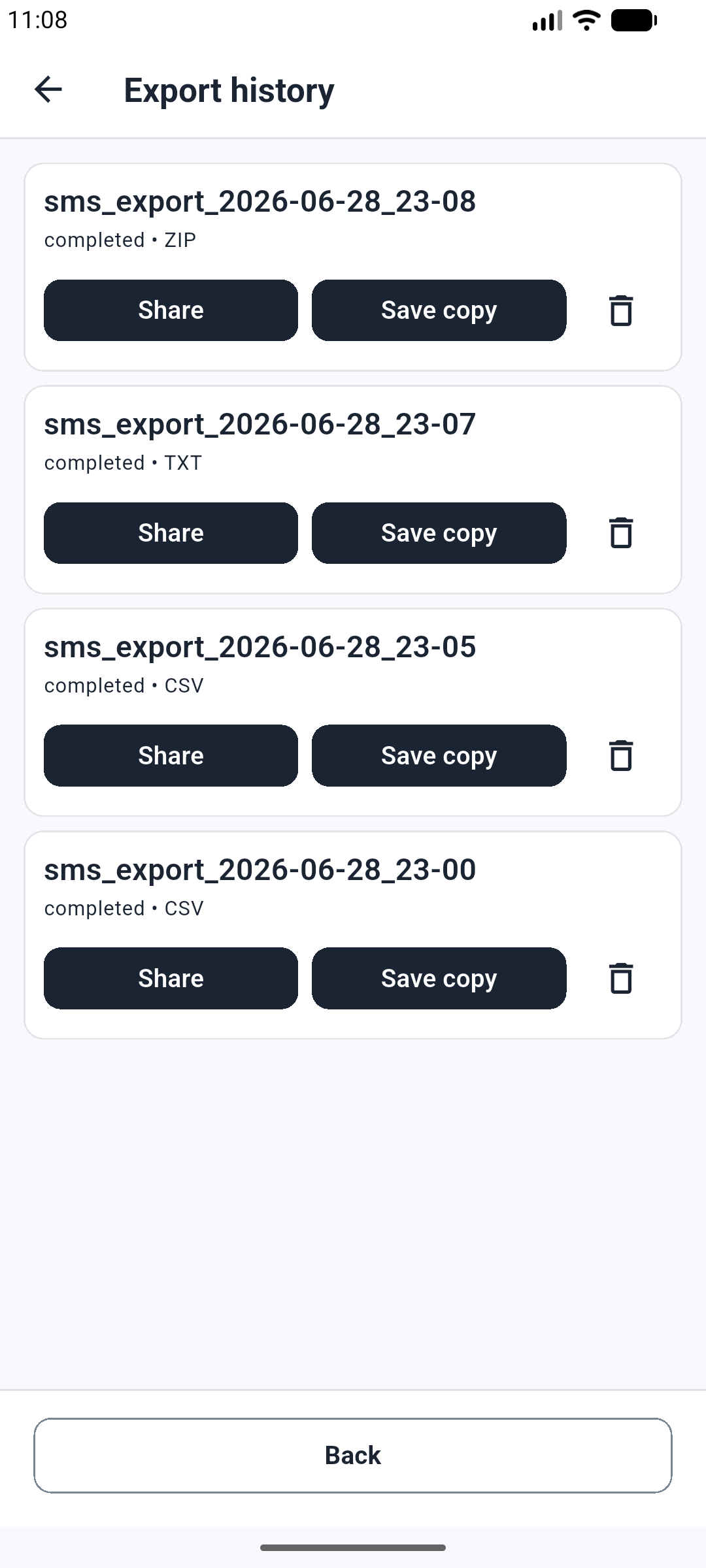
Recent exports stay easy to review.
Track recent exports and keep a clear record of generated files.
Support
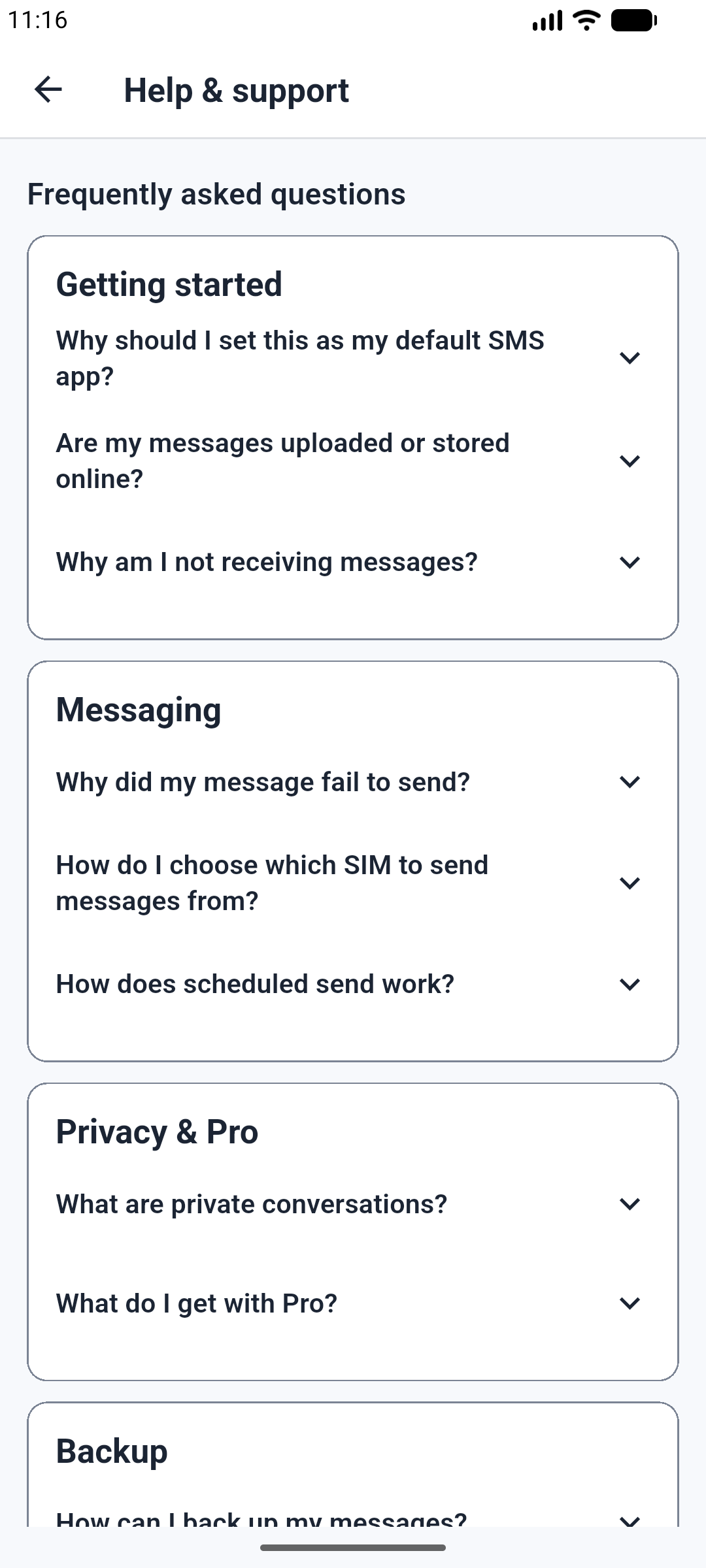
Guidance and support options in one place.
Find support options and guidance without leaving the app experience.
Make your inbox work harder
Download Lunexa Messages for Android and bring Money Insights, scheduling, privacy, backup, and export tools into one focused SMS app.